
Kling 2.6 Video Generator
Experience fluid motion and seamless audio integration with Kling 2.6. Produce high-quality marketing videos, social media posts, instructional tutorials, and a wide range of other content.
Detail fidelity
Aesthetic cohesion
Consistent quality
or drop it here
How to Use Kling AI on Editly?
1
Choose the Kling Model
Navigate to Editly’s create page and choose the Kling model from the available options.
2
Enter Your Prompt
To create your video, upload an image and provide an optional prompt, then adjust the video settings before generating the final result.
3
Save Your Video
Allow it some time to process, and once the video is finished, you can download it if you are satisfied with the outcome.

Create High-Quality Videos with Realistic Audio
Kling 2.6 AI generates professional videos with realistic dialogue, narration, and sound effects in a single process. It supports text-to-video and image-to-video inputs, delivering lifelike visuals with synchronized audio.
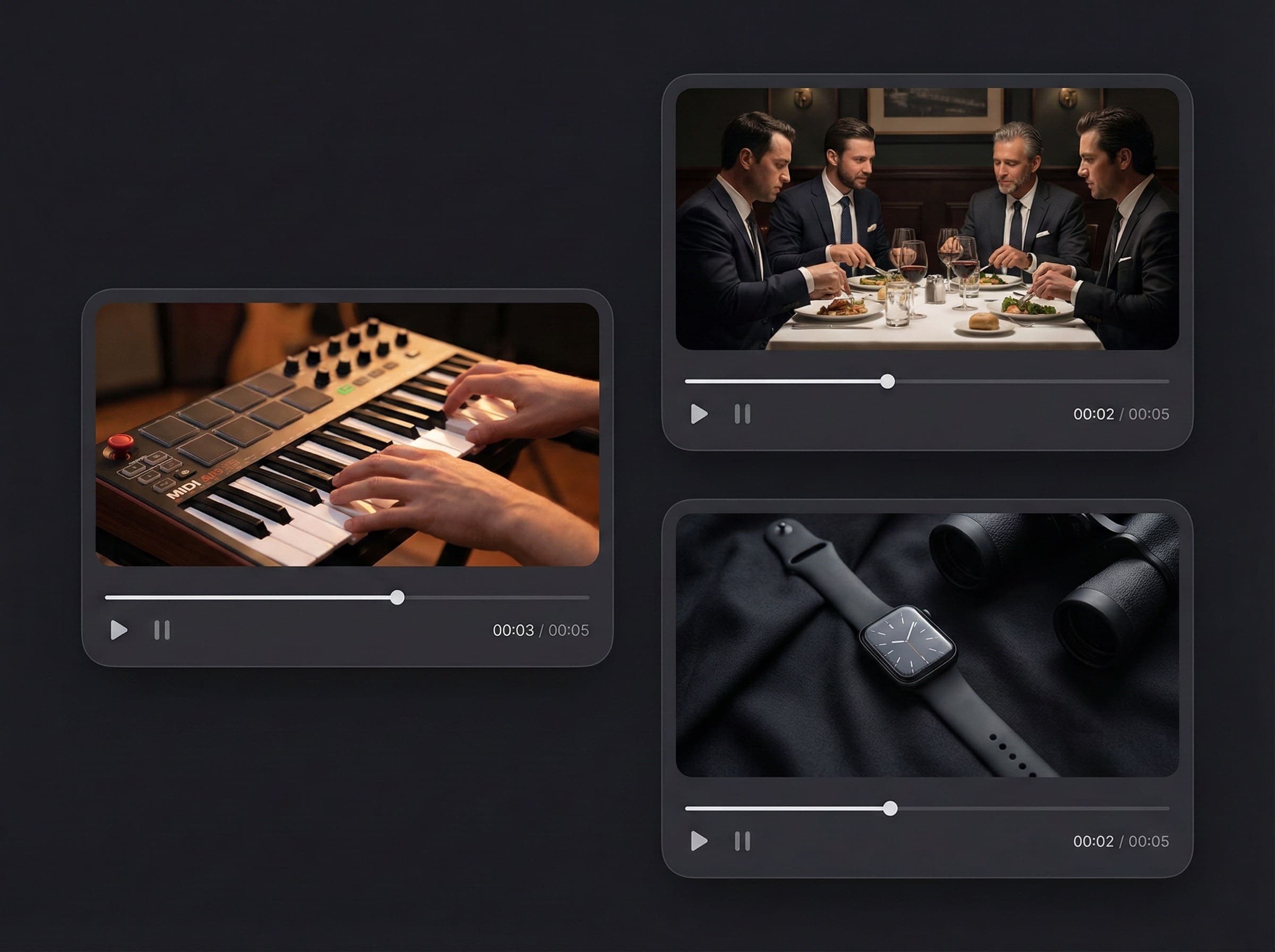
Tailored Voice Solutions for Any Requirement
From spoken dialogue to musical performances, Kling 2.6 offers a wide range of voice types to match your content’s tone, allowing you to tailor the sound to your video’s purpose, whether for ads, entertainment, or educational content.
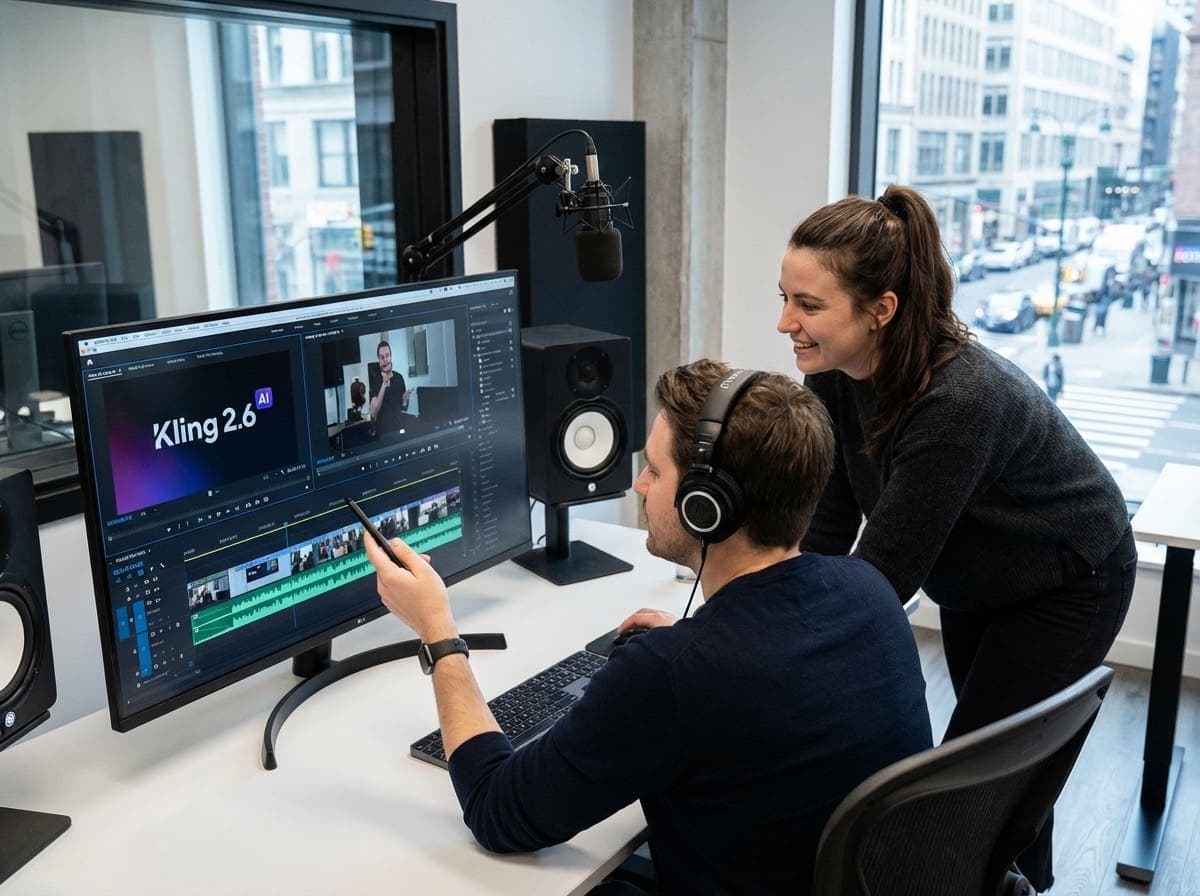
Achieve Complete Sound Mastery with Absolute Audio Control
Master your video’s soundscape with Kling 2.6. Assign unique voices to every character, refine their dialogue, and dictate their emotional delivery—from exuberant to intense or mysterious. Enhance your production with environmental textures, background effects, and layered audio tailored to each scene. With total control over every sonic detail, you can realize your creative vision and produce deeply immersive, cinematic experiences.
FAQs
Try Kling AI for Free on Editly
Try Kling AI here to discover an easier way to generate AI videos in just a few clicks.