
Qwen Image 3
Alibaba's Qwen Image 3 and 3 Pro turn prompts into production-ready visuals with native multilingual text rendering, near-photographic detail, and up to 4.5k-token instructions — posters, slides, infographics, and UI mockups with crisp, correctly spelled text. Generate free on Editly.
Native Multilingual Text Rendering
Smart Prompt Rewriting & 4.5k-Token Instructions
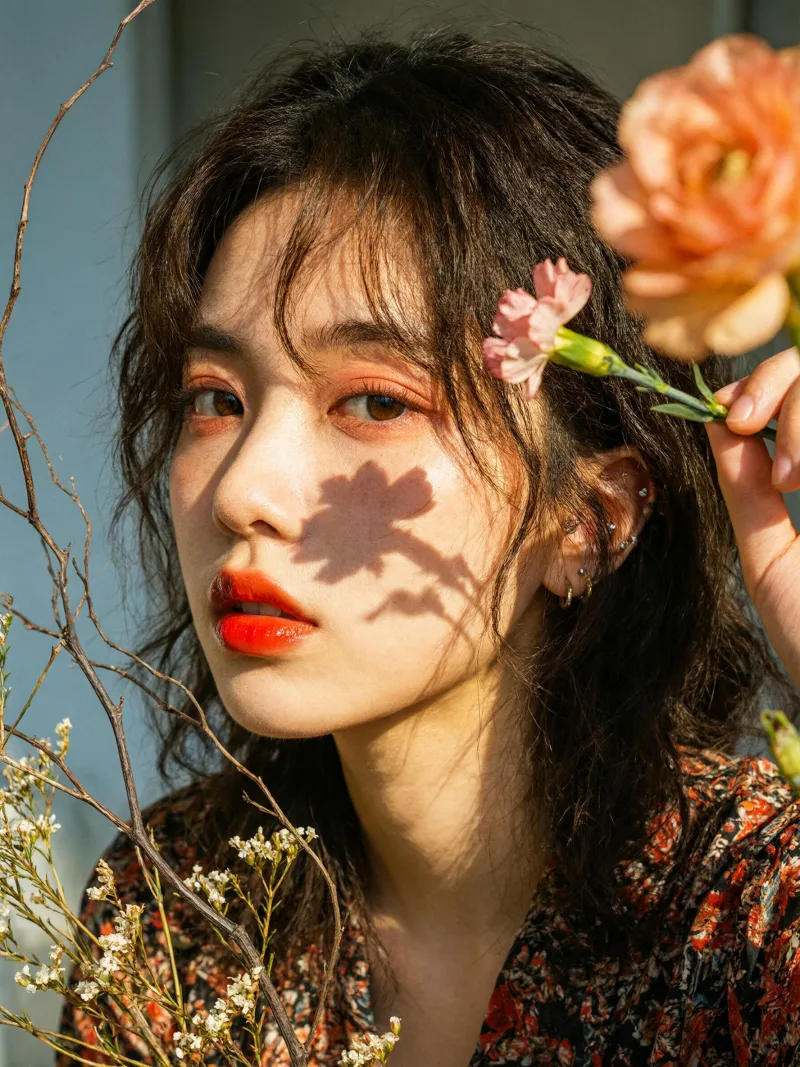
Near-Photographic Detail
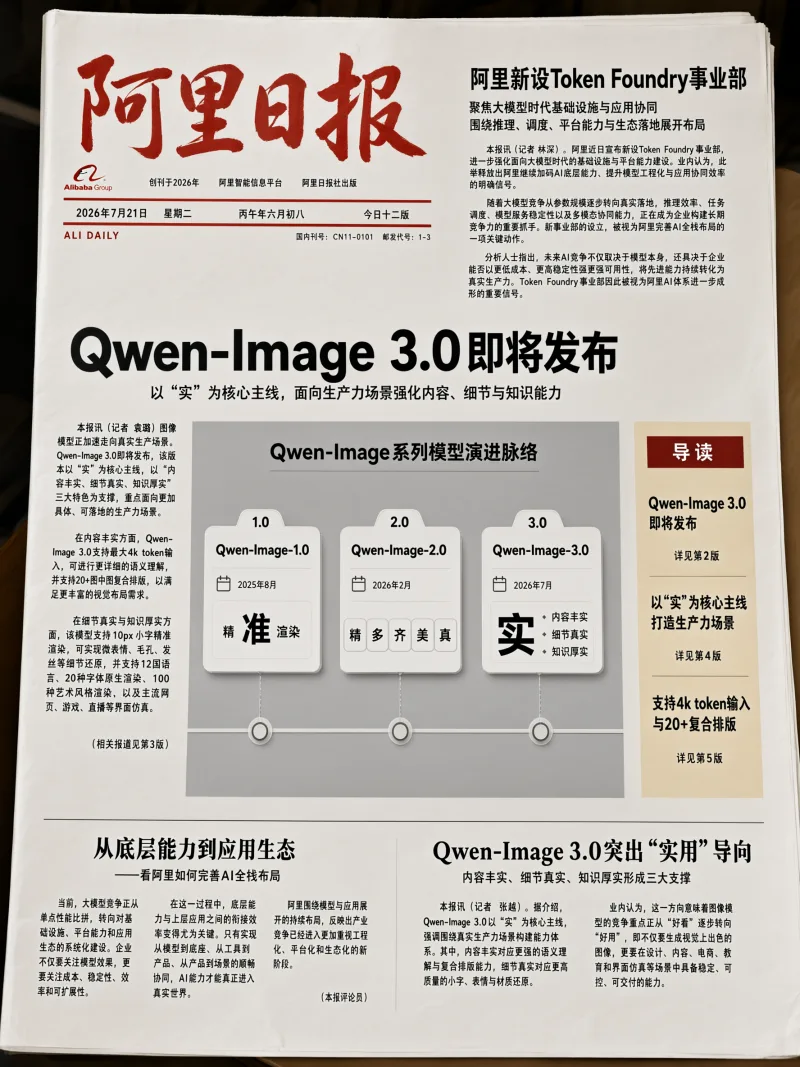
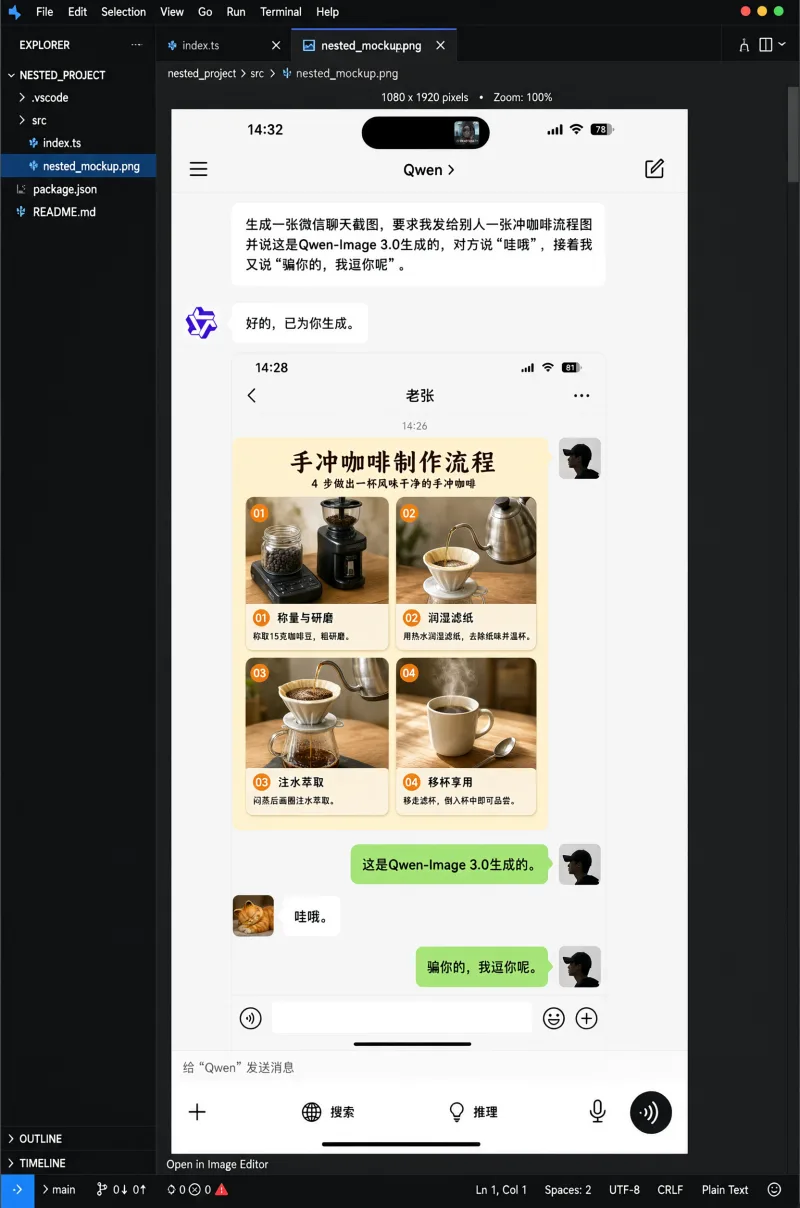
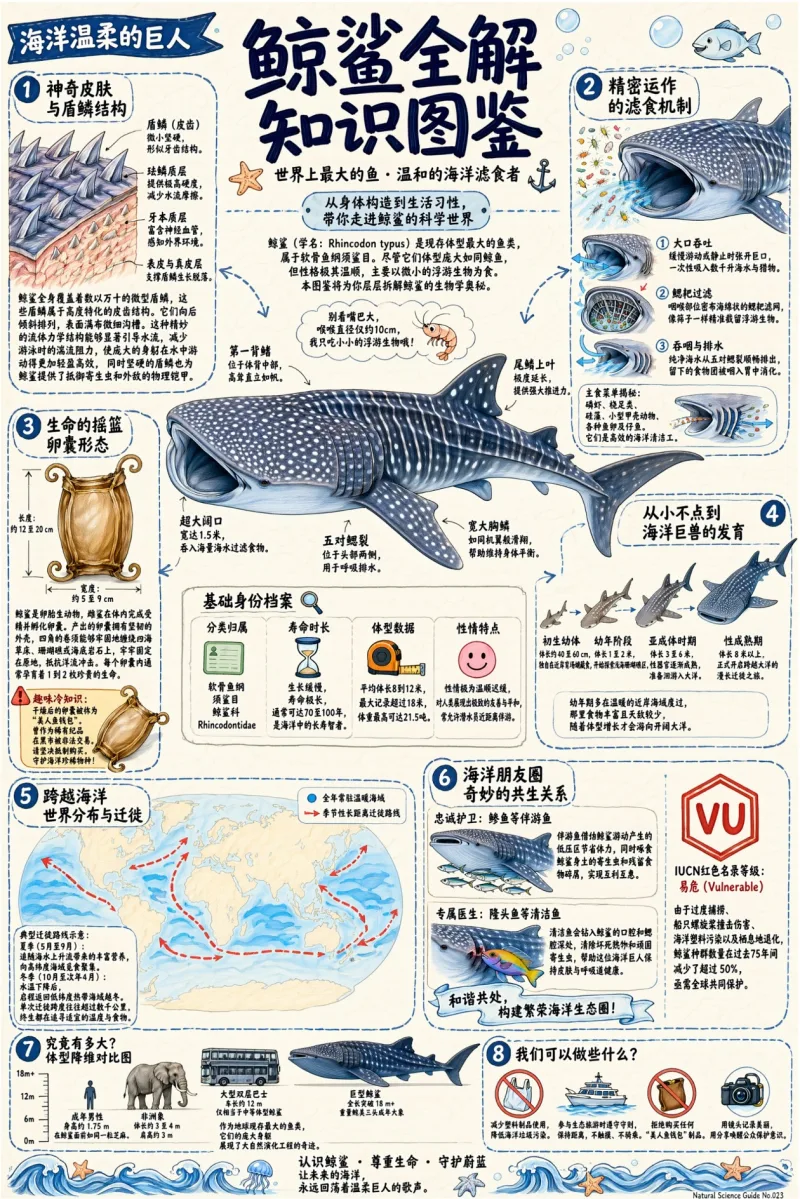
Complex Layouts in One Shot
Image-to-Image & In-Image Editing
Qwen Image 3 vs. Qwen Image 3 Pro
Same foundation, two tiers. Both render 12-language text and accept 4.5k-token prompts and image input — Pro adds smart rewriting, sharper material-accurate text, near-photographic detail, and complex layouts.
Qwen Image 3 | Qwen Image 3 ProPro | |
|---|---|---|
| Tier | Standard — everyday batch generation | Flagship — professional production |
| Text rendering | Stable multilingual text | Precise text that fits physical materials |
| Realism & detail | Reliable everyday quality | Micro-expressions, pores, hair — near-photographic |
| Complex layouts | Posters, web, app screens | Newspapers, storyboards, menus, exams, UI simulation |
| Smart prompt rewriting | — | Supported |
| Max prompt | Up to ~4.5k tokens | Up to ~4.5k tokens |
| Resolution | 1K / 2K | 1K / 2K |
| Image input (image-to-image) | Image + text | Image + text |
| Best for | Daily social & batch content | Text-heavy, commercial, complex design |
How to Generate Images with Qwen Image 3
- 01
Write Your Prompt
Describe the image in plain language. For text-heavy designs, spell out the exact words, language, and layout you want — Qwen Image 3 renders them natively.
- 02
Pick Qwen Image 3 or Pro
Choose Qwen Image 3 for fast everyday visuals, or Qwen Image 3 Pro when you need precise text, complex layouts, or near-photographic detail. Add a reference image for image-to-image edits.
- 03
Generate and Refine
Hit Generate and review in seconds. Tweak the prompt, swap a reference image, or export the final asset when it looks right.
Trusted by Marketing, E-commerce, and Design Teams
Posters with perfect Chinese text
"Qwen Image 3 Pro finally renders our Chinese headlines and product labels correctly inside the image. We ship posters and packaging mockups without retyping anything in Photoshop."
E-commerce grids at scale
"We batch out product cards and social creatives on Qwen Image 3 — fast, consistent, and the in-image pricing and labels stay legible. It scaled our content pipeline."
Storyboards and infographics
"The 4.5k-token prompt lets me generate full storyboard frames and dense infographics in one pass. Pro handles the layout so I can focus on the story."
Frequently Asked Questions about Qwen Image 3
Ready to Generate with Qwen Image 3?
Join thousands of marketers, product teams, and creators using Editly to turn prompts into publish-ready visuals with crisp, correctly spelled text — in seconds.