
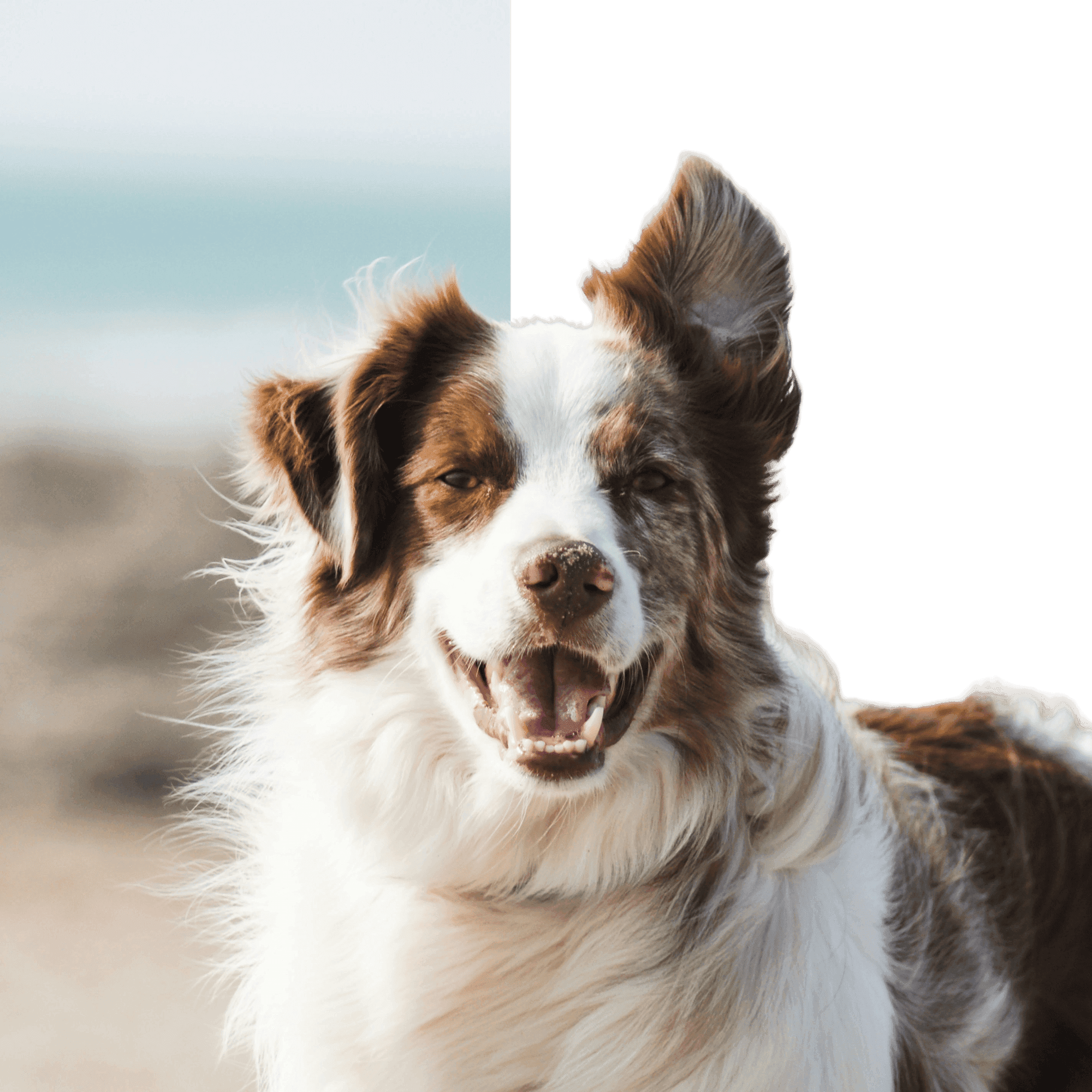
Remove backgrounds in seconds
Upload a photo, wait a moment, and download a clean transparent PNG. Great for products, portraits, and anything that needs a sharp cutout.
Remove backgrounds in seconds
Upload a photo, wait a moment, and download a clean transparent PNG. Great for products, portraits, and anything that needs a sharp cutout.
or drop it here
How it works
Upload a photo
Drag & drop or click to upload. We support JPG/JPEG, PNG, and WebP.
Wait for the cutout
We detect the subject and remove the background. Most images finish quickly.
Download a PNG
Download a transparent PNG you can drop into designs, listings, or ads.
Made for clean cutouts
No layers, no Photoshop. Just a fast background remover that keeps edges looking natural.
People use it for real work
Saved me a ton of time
I used to spend ages doing manual cutouts. This gets me a clean PNG fast, and the edges look surprisingly natural.
Sarah M.
Hair edges are actually decent
Most tools fall apart around hair. This one gets it right more often than not, which is all I really want.
David L.
Perfect for listings
I run product photos through it and drop the PNGs straight into my store. Quick, clean, and watermark-free on my plan.
Emma K.
Frequently Asked Questions
Create images and videos fast
Generate images and videos with AI, remove backgrounds, and restore photos—right in your browser. Prompt or upload, preview, download. No installs.