
Halloween Dance Video Generator from a Photo
Upload a portrait, choose a costume-and-camera preset, and generate a six-second clip where your photo dances under a moonlit sky. A vertical photo comes back vertical, ready for TikTok and Reels.
Runs on Hailuo 2.3 Fast image-to-video. Sign in to generate; a 6-second 768P clip costs 85 credits.
Halloween Dance Prompts to Start From
Each prompt below is written for image-to-video: it describes the body, the camera and the light instead of stacking costume adjectives. Copy one, keep your own details, and paste it into the generator above.
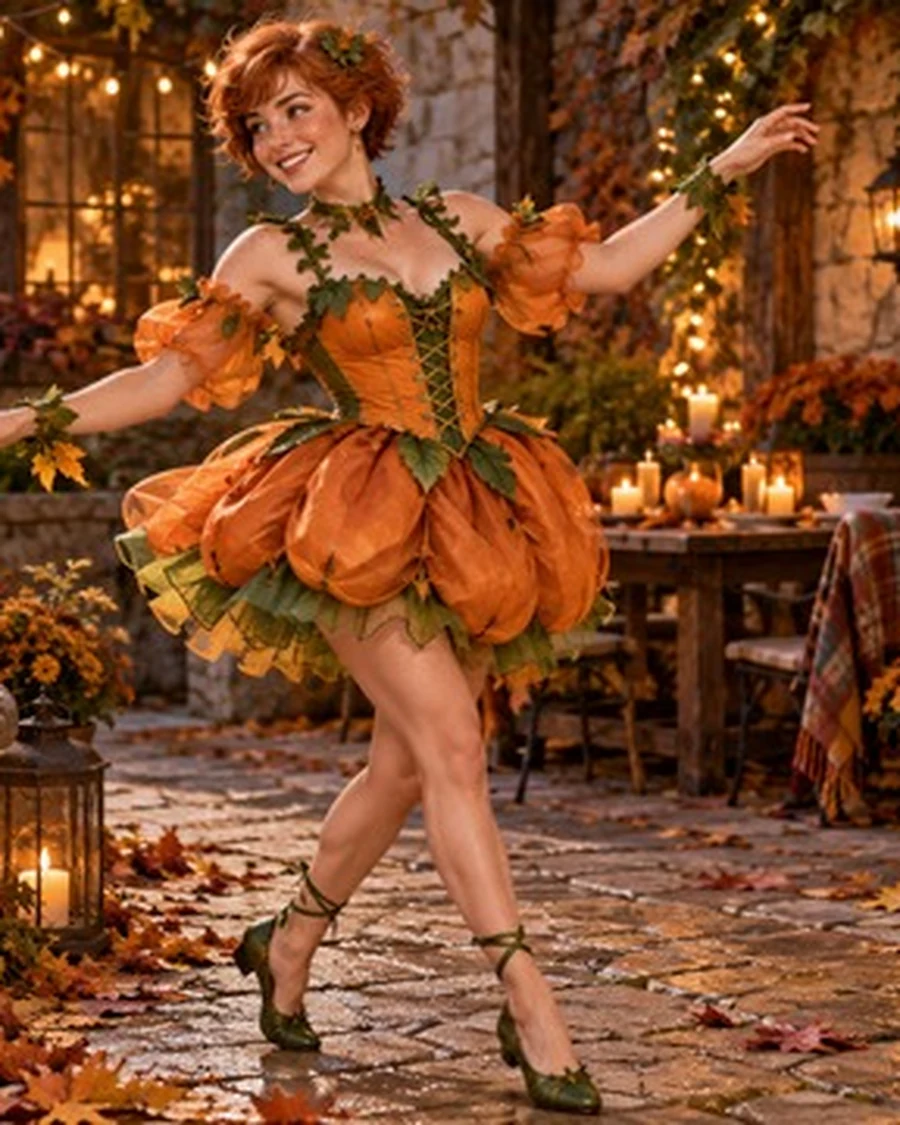
Witch in the pumpkin patch
The person in the photo performs a slow, deliberate witch spin in a lantern-lit courtyard, an orange pumpkin dress flaring as she turns, one hand lifting toward the camera. Camera pushes in at waist height, warm lantern glow, fallen leaves drifting, shallow depth of field. Vertical 9:16, cinematic, soft film grain.
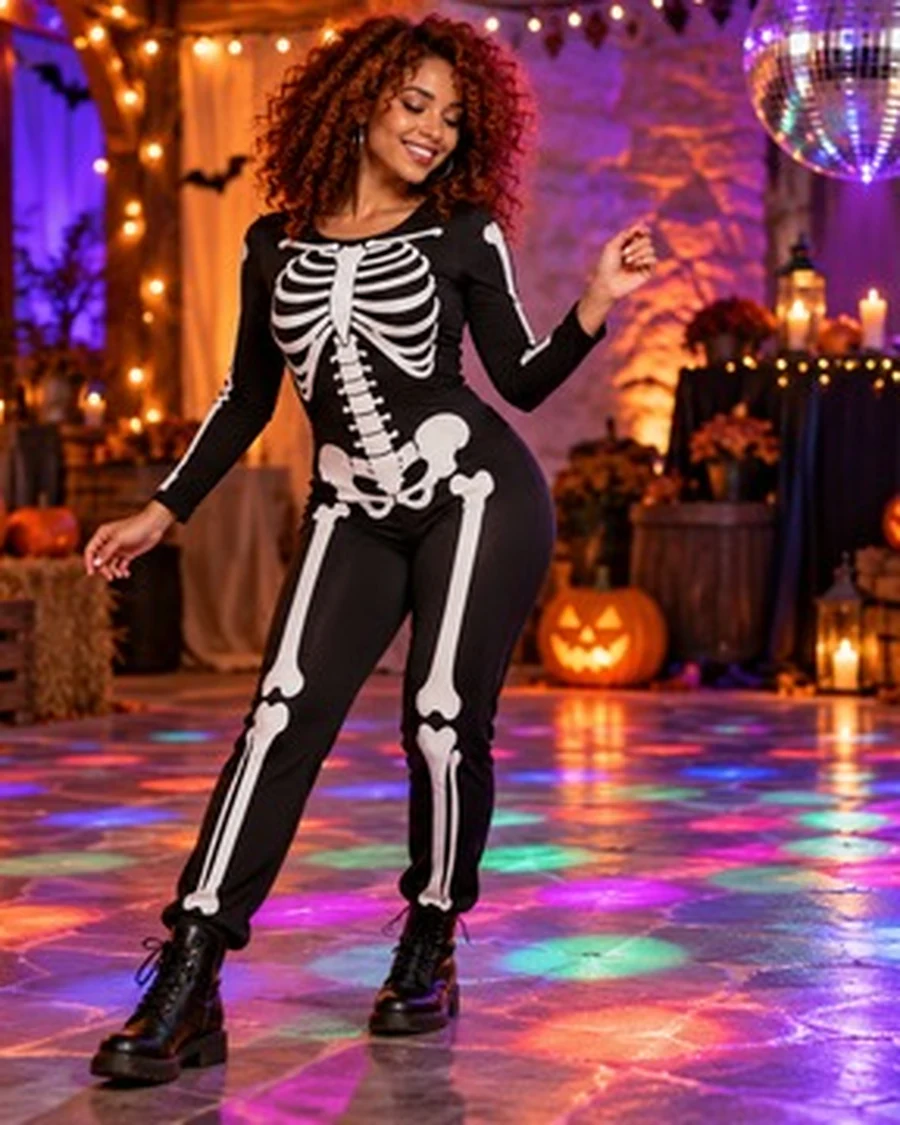
Skeleton solo on a smoky stage
The person in the photo dances a sharp hip-hop routine on a smoky stage, skeleton body paint catching red light, shoulders hitting the beat, arms snapping out and back. Camera circles slowly at chest height, red haze and backlight flare, dark floor reflections. Vertical 9:16, cinematic.
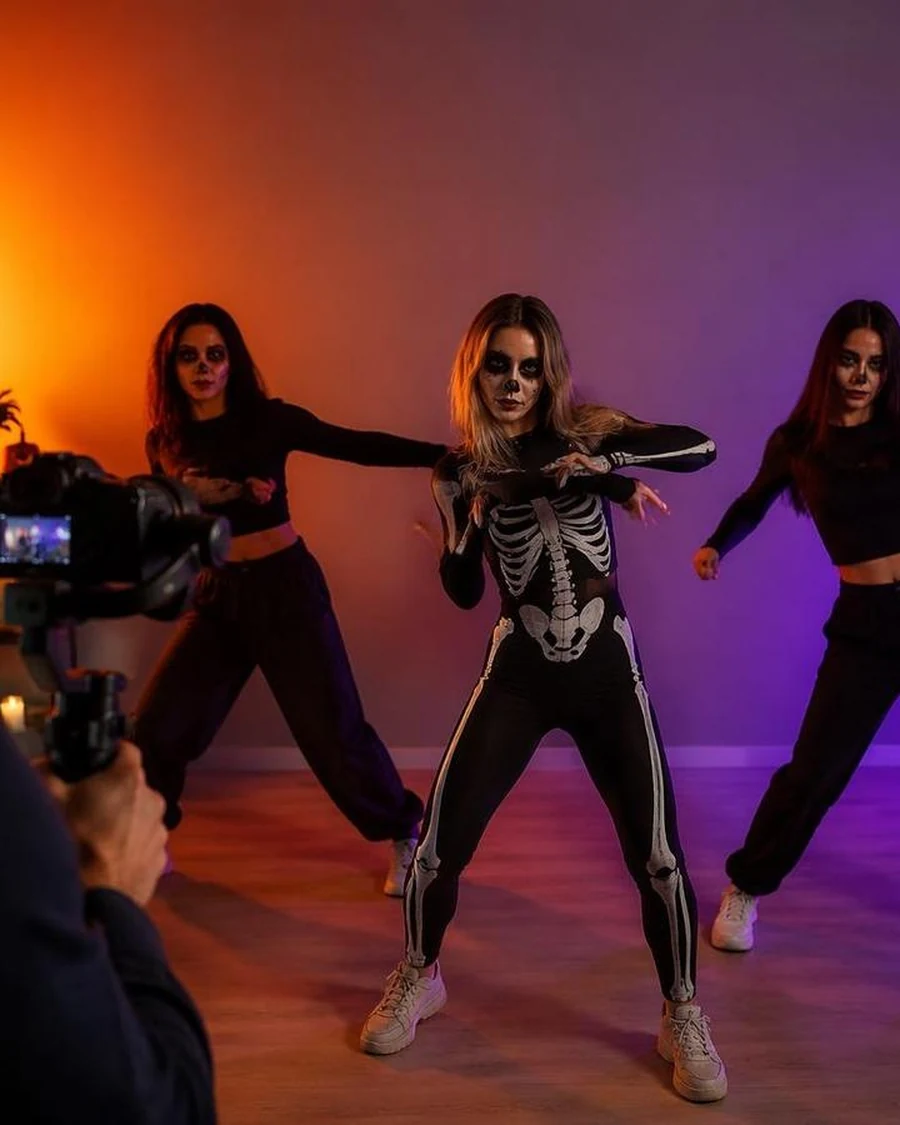
Skeleton trio routine
The three people in the photo dance a synchronized skeleton routine in a room full of floating black balloons, knees bending on the beat, arms swinging together. Wide shot at eye level, direct flash look, purple and orange party lights, slight handheld shake. Vertical 9:16.
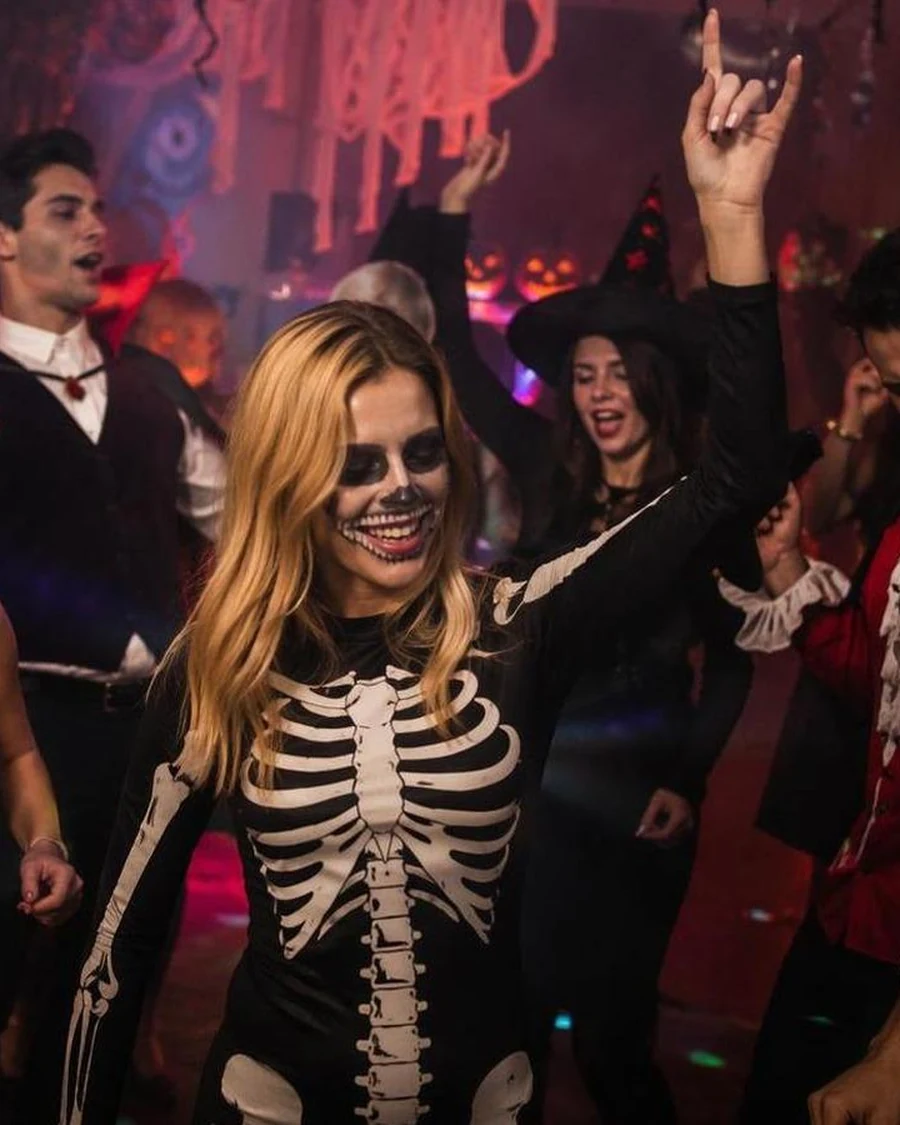
Costume party circle
The person in the photo dances inside a crowded Halloween party, friends cheering in a loose circle around them, cups raised, strobe light sweeping across costumes. Handheld camera at shoulder height, warm practical lights, motion blur in the crowd but a sharp face. Vertical 9:16, documentary style.
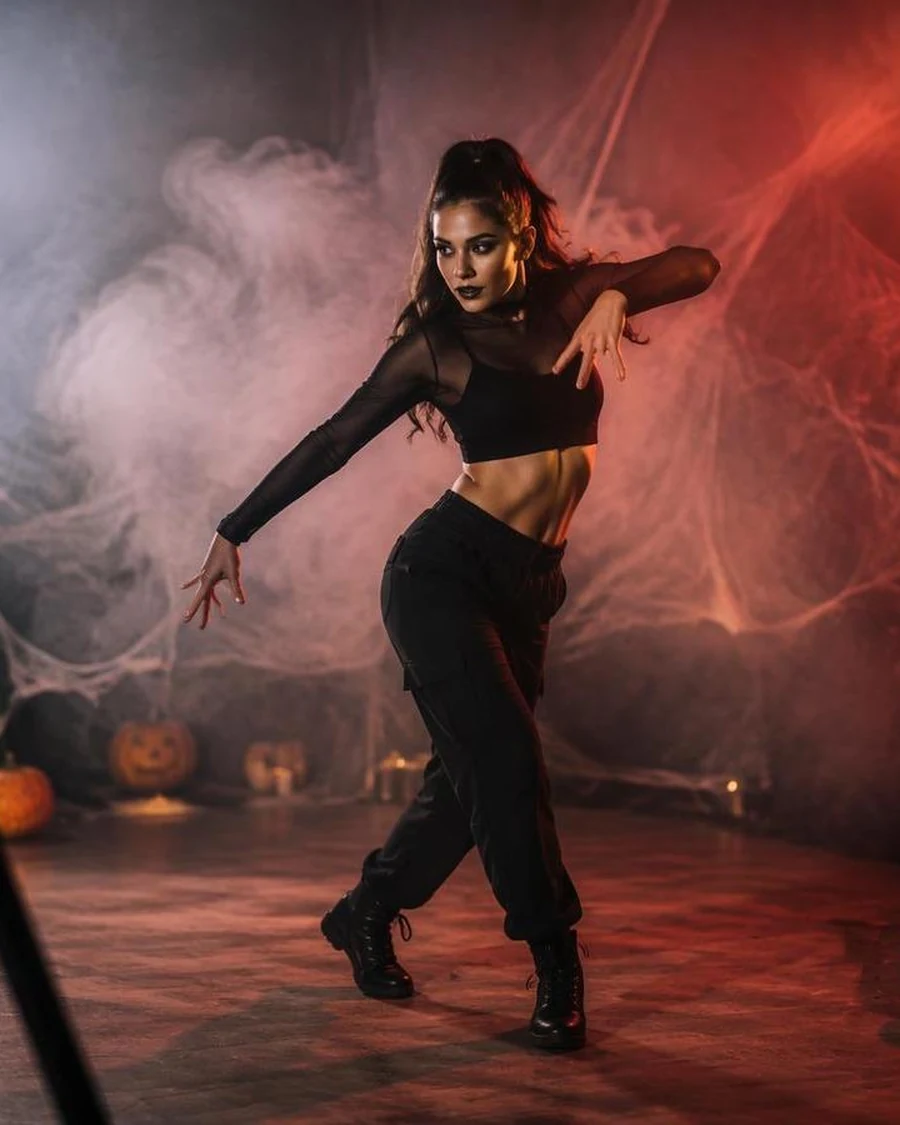
Red-light smoke solo
The person in the photo moves through a slow contemporary dance in a smoke-filled room lit by deep red light, weight shifting from foot to foot, arms drawing circles in the air. Camera drifts sideways, heavy haze, silhouetted pumpkins in the foreground, rim light on the shoulders. Vertical 9:16.
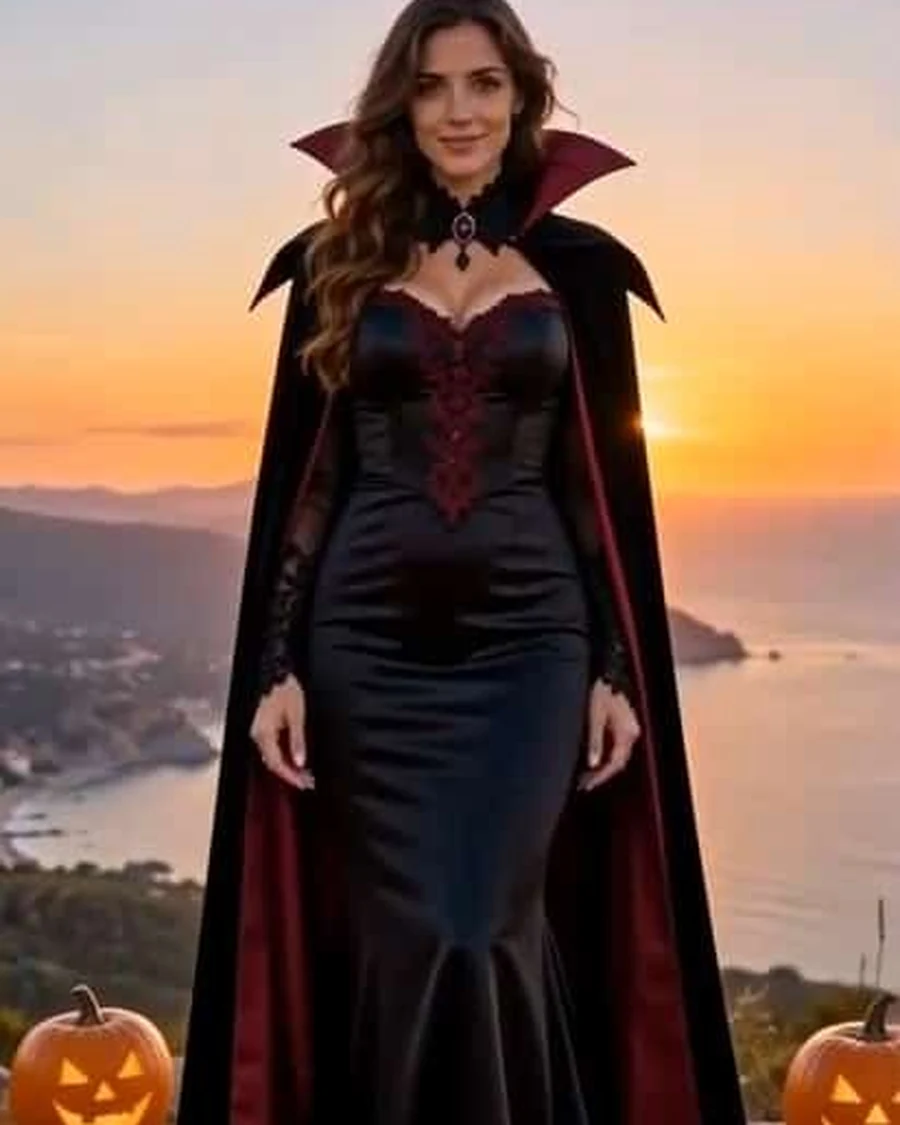
Vampire at golden hour
The person in the photo turns slowly in a long black cape on a cliff at sunset, cape lifting with the wind, one hand adjusting the collar, a small smile at the end. Camera orbits at chest height, golden backlight, distant sea haze, carved pumpkins at the frame edge. Vertical 9:16, cinematic.
What Is a Halloween Dance Video?
A Halloween dance video takes a still photo and animates it into a short clip. The person keeps their own face, hair and costume while the model adds dance motion, camera movement and a Halloween set around them.
This is image-to-video, not a face swap or a filter. You upload the photo, describe how the body moves and how the camera behaves, and the model generates new frames that continue your image.
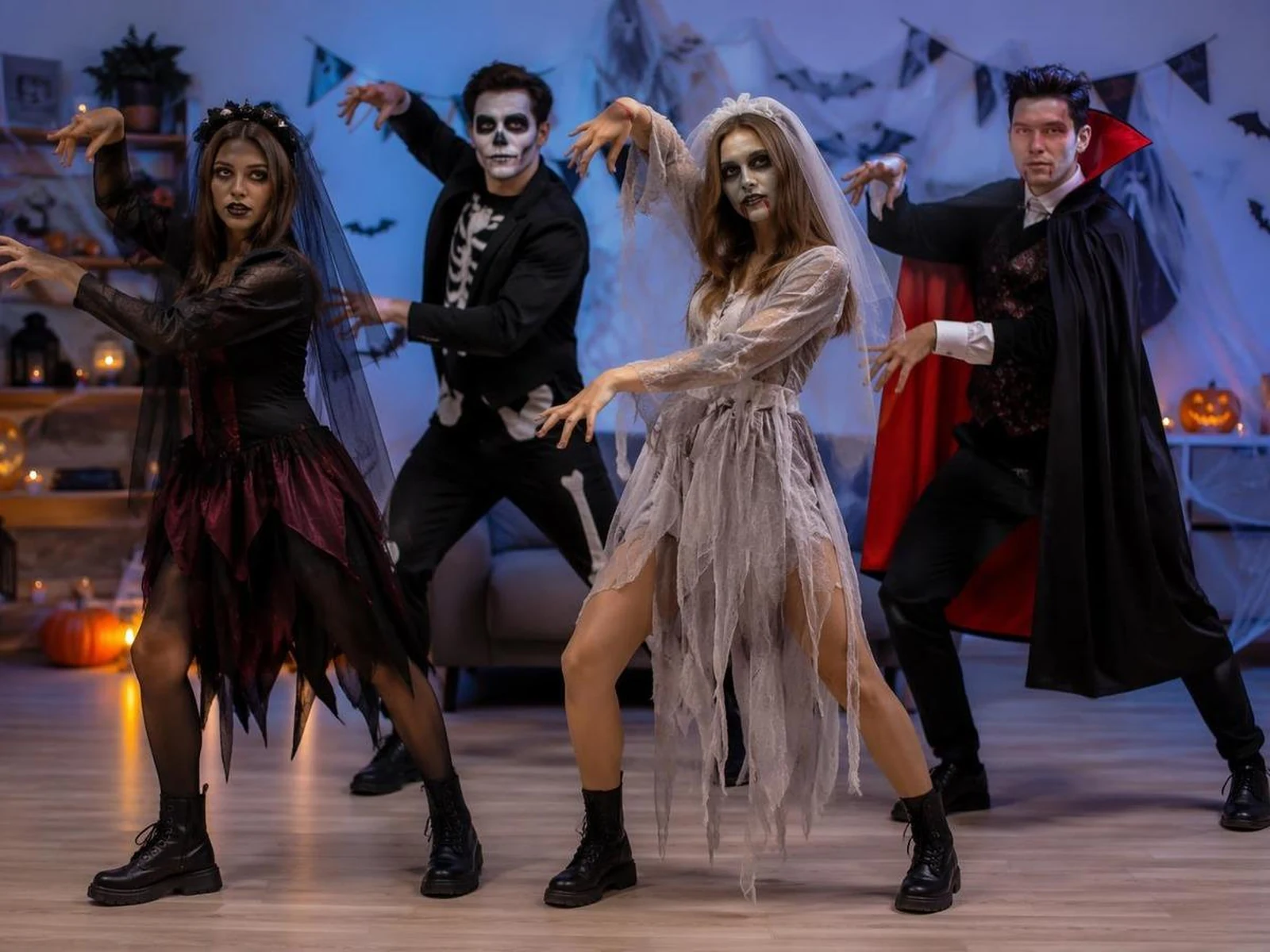
Why This Generator Works From a Photo
The result is only as good as the reference and the motion brief, so both are built into this page.
The face and outfit stay put
Motion-first presets
Framing follows your photo
Where These Clips Work
Short, loopable and obviously seasonal — that is the format Halloween content actually gets watched in.
TikTok Halloween trend
Instagram Reels
YouTube Shorts
Party invites
How to Make a Halloween Dance Video
- 01
Upload the photo
Pick a front-facing photo of one person in even light. Waist-up or full body both work, and a vertical portrait gives you a vertical clip.
- 02
Choose a look and a move
Tap a preset or write your own prompt. Say what the body does, where the camera sits and what the light looks like.
- 03
Generate and download
Preview the six-second 768P render first. If the motion works, regenerate at 1080P or ten seconds and download the MP4.
Halloween Dance Video FAQ
The questions that come up before the first render.
Keep Exploring
More ways to turn a photo or an idea into motion.
Make Your Halloween Dance Video
One photo, one prompt, six seconds. Start from a preset, then adjust the step and the light.