Explore our core features and unleash unlimited creative possibilities
Generate themes in seconds
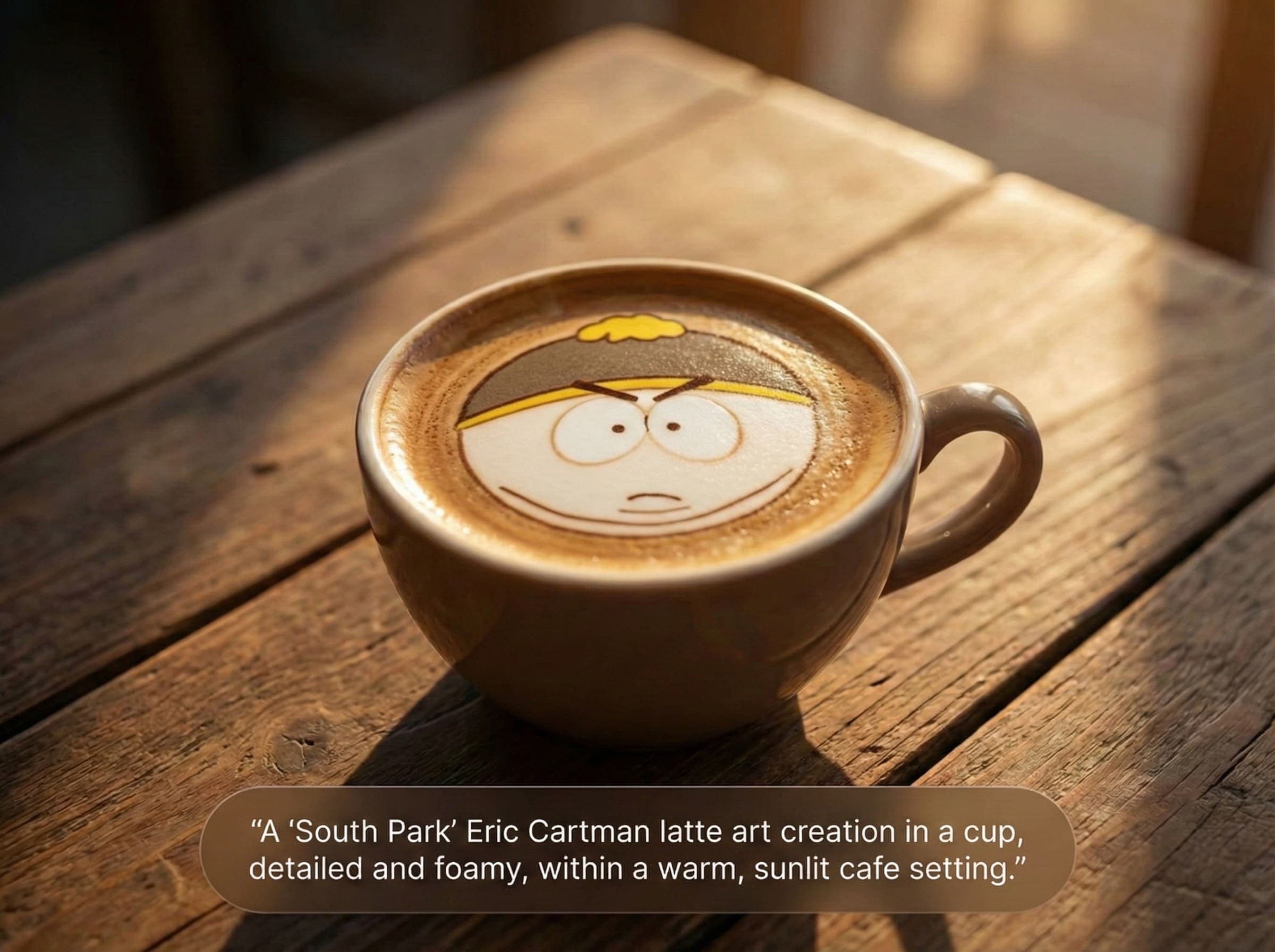
Describe your vision and watch complete design themes come together—color palettes, typography, visual mood, the works. No more staring at blank artboards or flipping through endless inspiration boards. Perfect for kickstarting websites, apps, or brand identities when you need a solid direction fast.
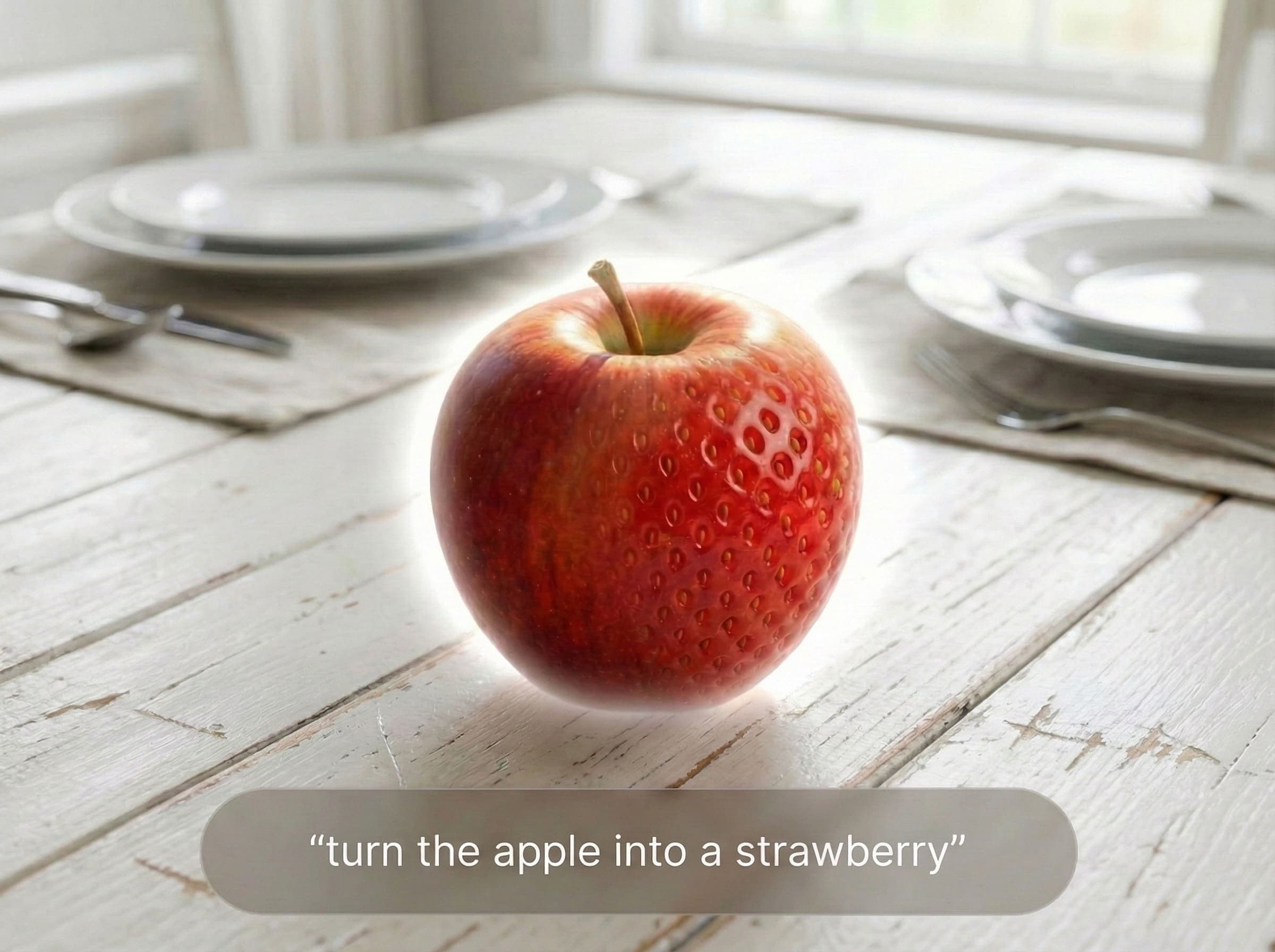
Adjust brightness, tweak colors, apply filters, crop and compose—all the essentials in one place. AI automatically detects subjects, optimizes details, and enhances with one click. No need to memorize complex settings or jump between different tools. Edit, color grade, and export ready-to-use images in minutes.
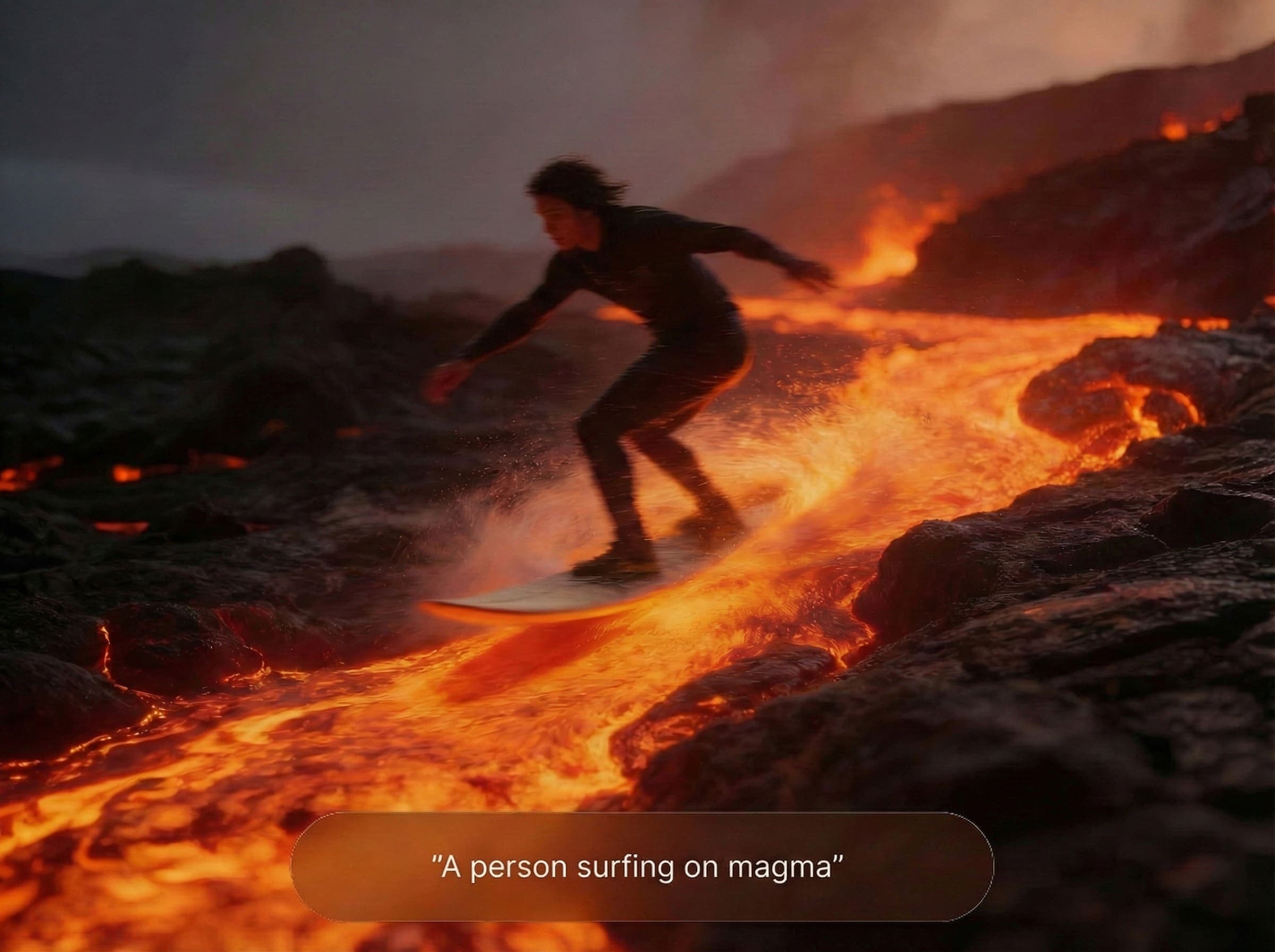
Start with an image or a prompt, and let AI turn it into motion. Transitions, effects, pacing—it's all handled automatically. Great for social content, ads, or when you need video but don't have footage. Saves you from wrestling with timeline editors.
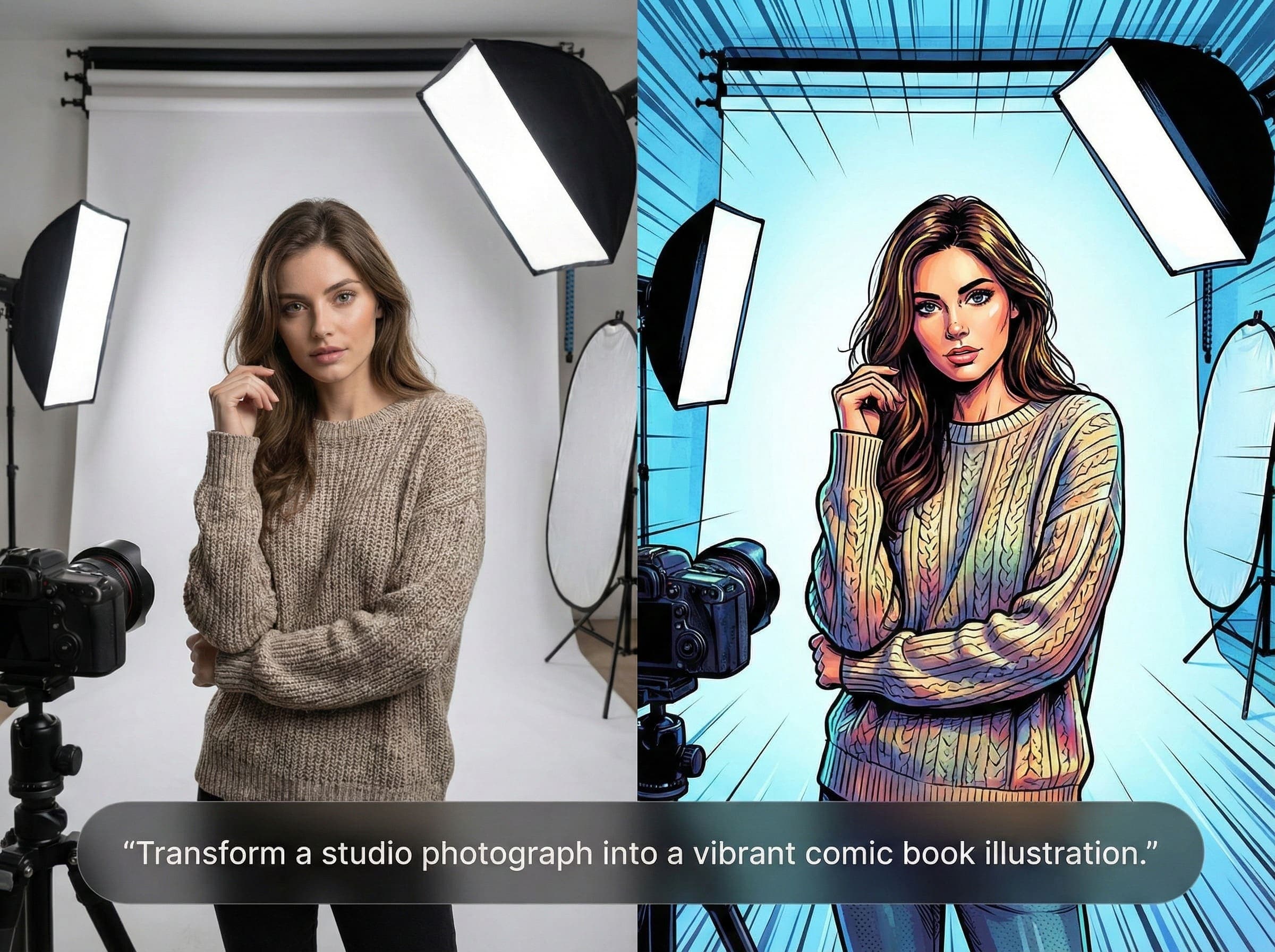
Take a photo and transform it into watercolor, oil painting, cartoon, or dozens of other looks—all in one click. The content stays the same, but the vibe changes completely. Handy for creative projects, unique social posts, or just experimenting with different aesthetics.
Generate images, create videos, edit and restore—all in one place. Fast enough for quick ideas, clean enough for production.
Prompt to image
Describe a scene, product, or character and generate new images in seconds. Great for brainstorming, ads, thumbnails, and concept art.
Reference images
Add optional reference images to steer style and details. Useful when you want the next image to feel consistent.
Clean cutouts
Remove backgrounds with crisp edges—especially around hair, fur, and thin objects—then export a transparent PNG.
Photo restoration
Fix scratches, reduce noise, and recover clarity on old or low-quality photos. Keep faces looking natural.
No watermark
Downloads are clean and ready to use—no forced branding on your images.
Fast workflow
Upload or prompt, preview, then download. Your credit balance and job history are visible in the dashboard.
See the magic of AI image generation
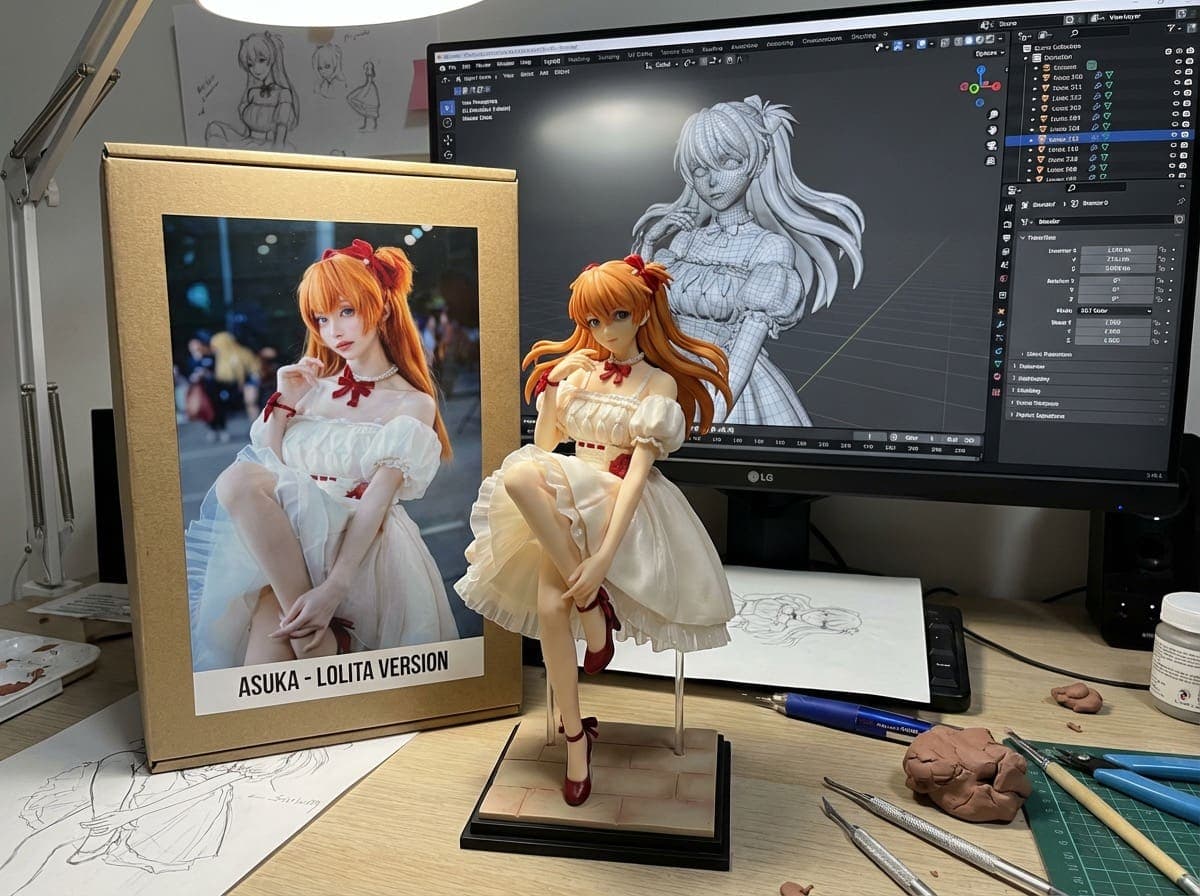
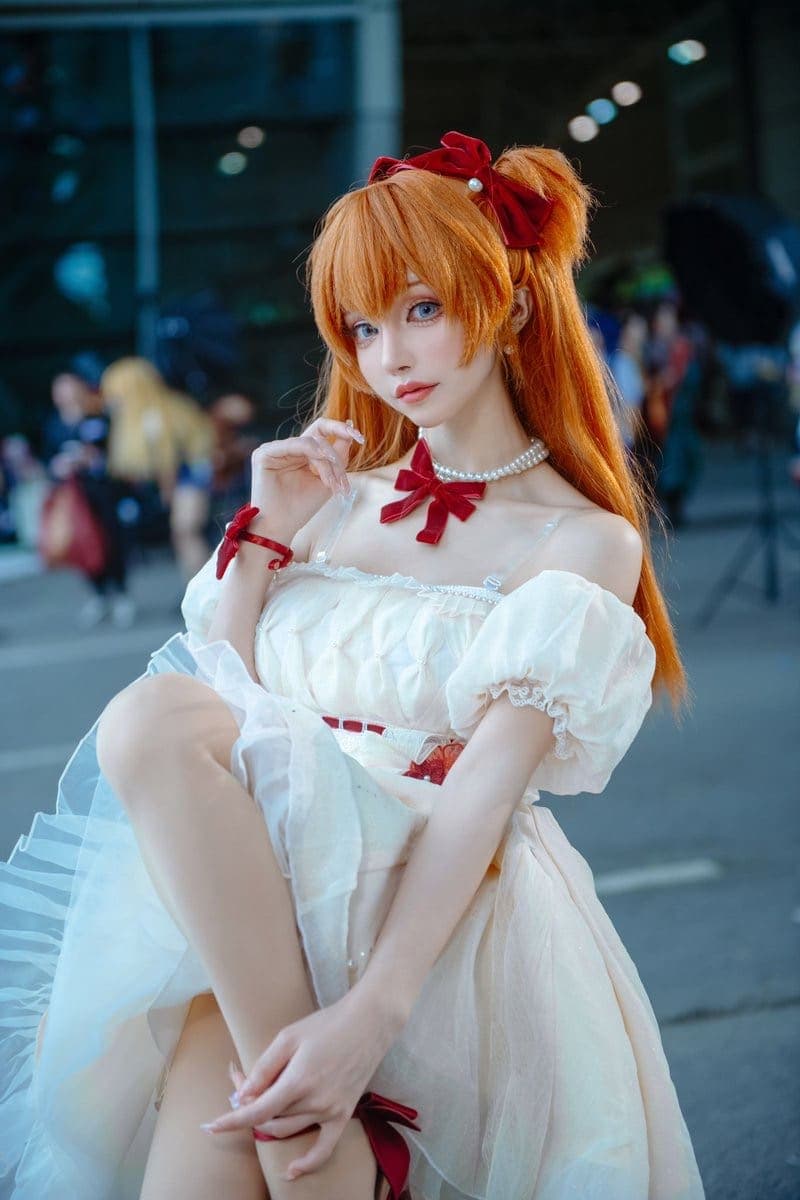
Turn this photo into a character figure. Behind it, place a box with the character's image printed on it, and a computer showing the Blender modeling process on its screen. In front of the box
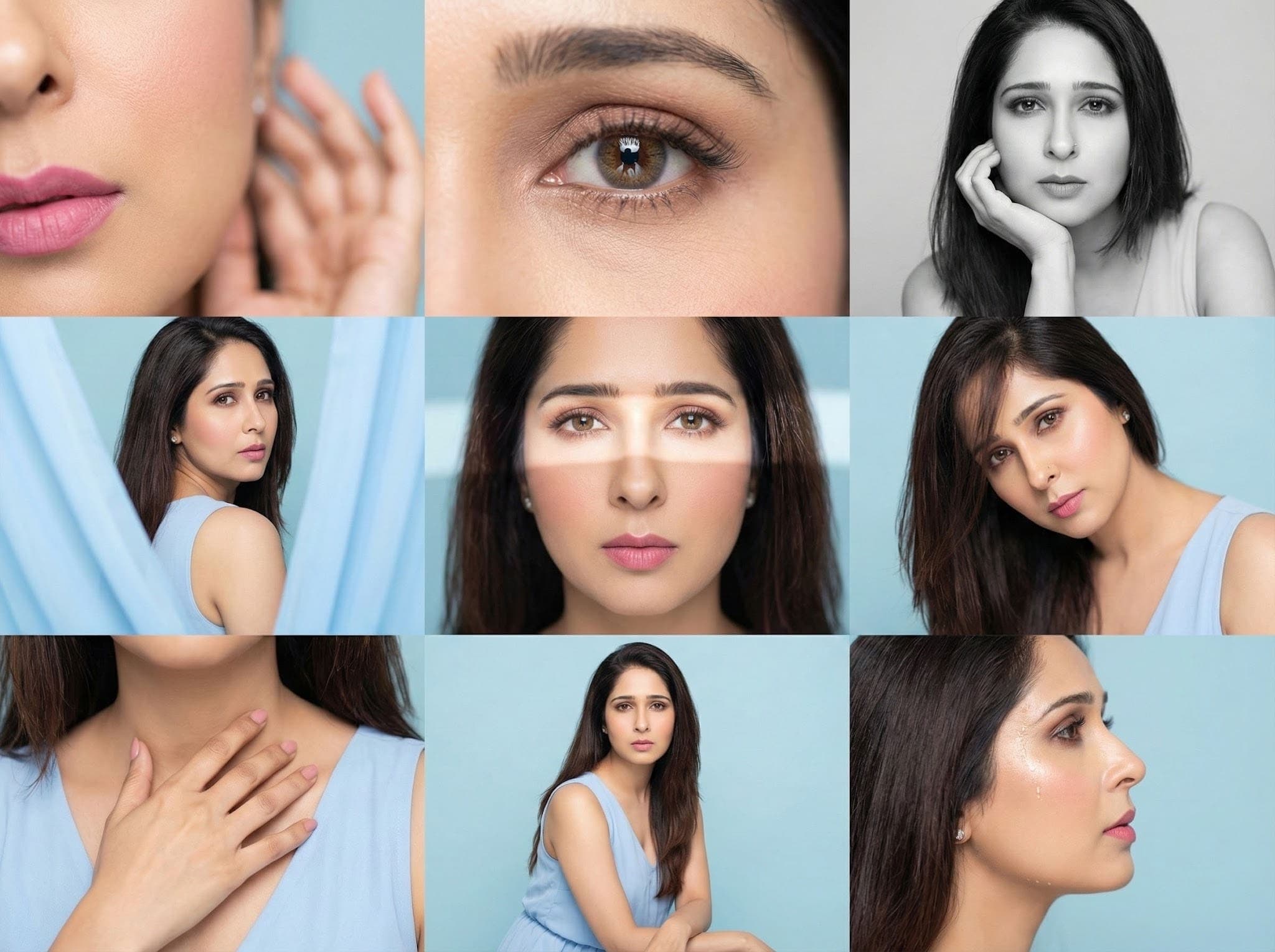
Editorial 3x3 grid in soft pastel-blue studio. Character (face characteristics 100% same as uploaded image) wearing a light blue sleeveless dress. Shots follow original set: cheek/lip macro with blurred hand, reflective eye crop, B&W chin-rest portrait, fabric-framed over-shoulder, frontal light-band close-up, angled hair-fall portrait, hand-to-collarbone crop, seated half-body, profile droplet highlight. RAW, airy tones, smooth editorial finish.
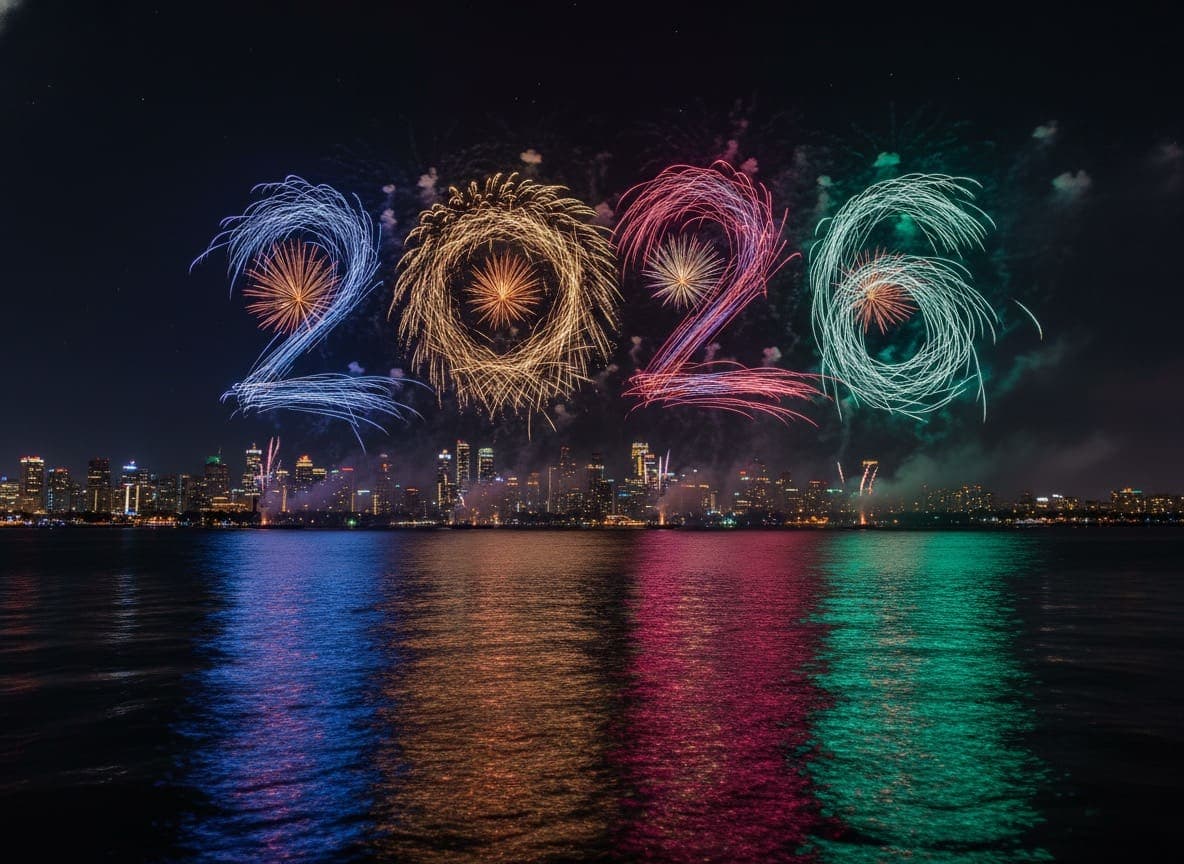
Fireworks form the shape of [SUBJECT] in the night sky above a waterfront city. The design is inspired by the colors, proportions, and silhouette of 2026, clearly readable and visually striking against the dark sky. Long-exposure, photorealistic fireworks photography with smoke trails, city skyline silhouette, and colorful reflections on the water. Cinematic composition, sharp detail, ultra-high-resolution 4K.
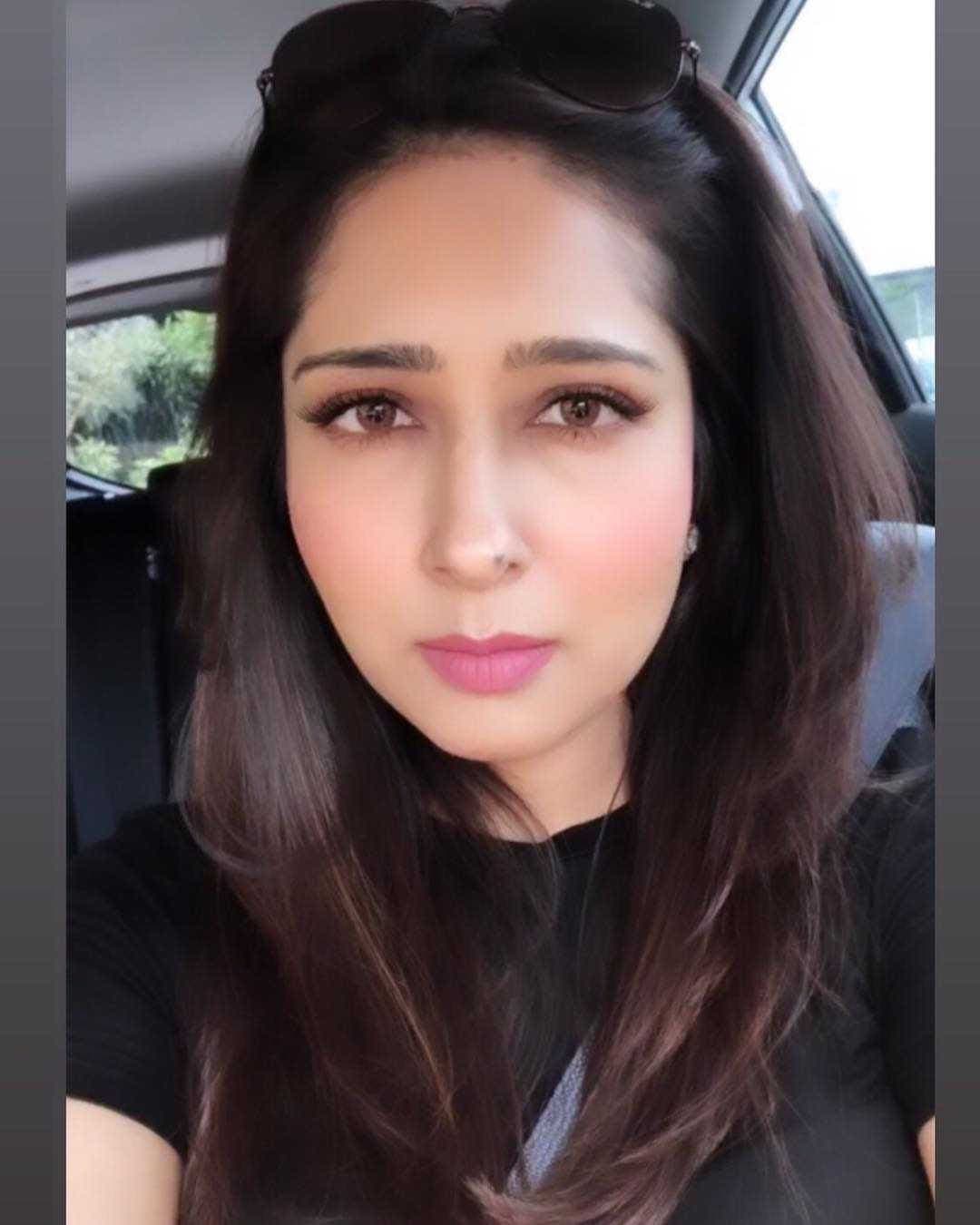
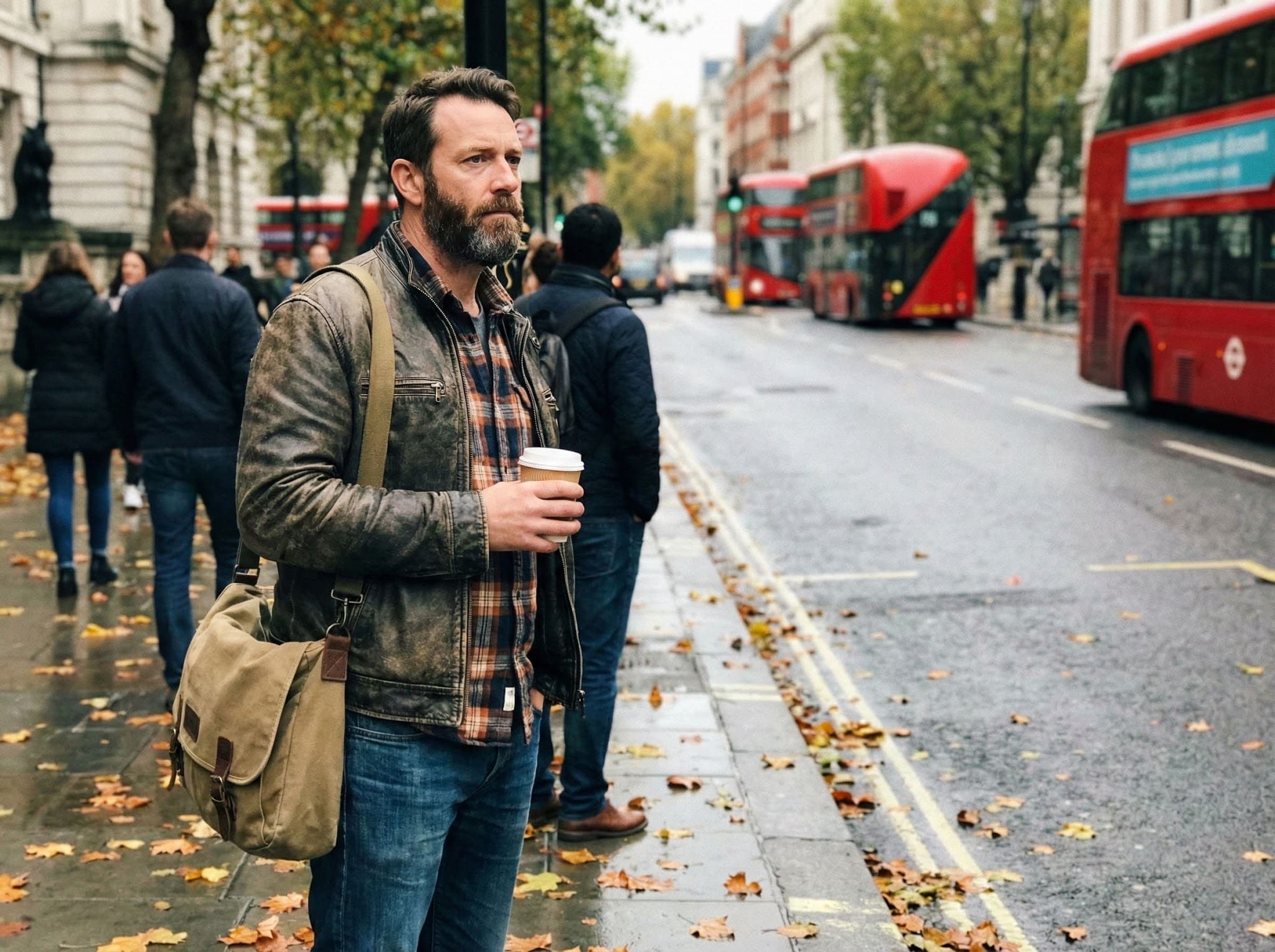
Use the uploaded photo as reference.
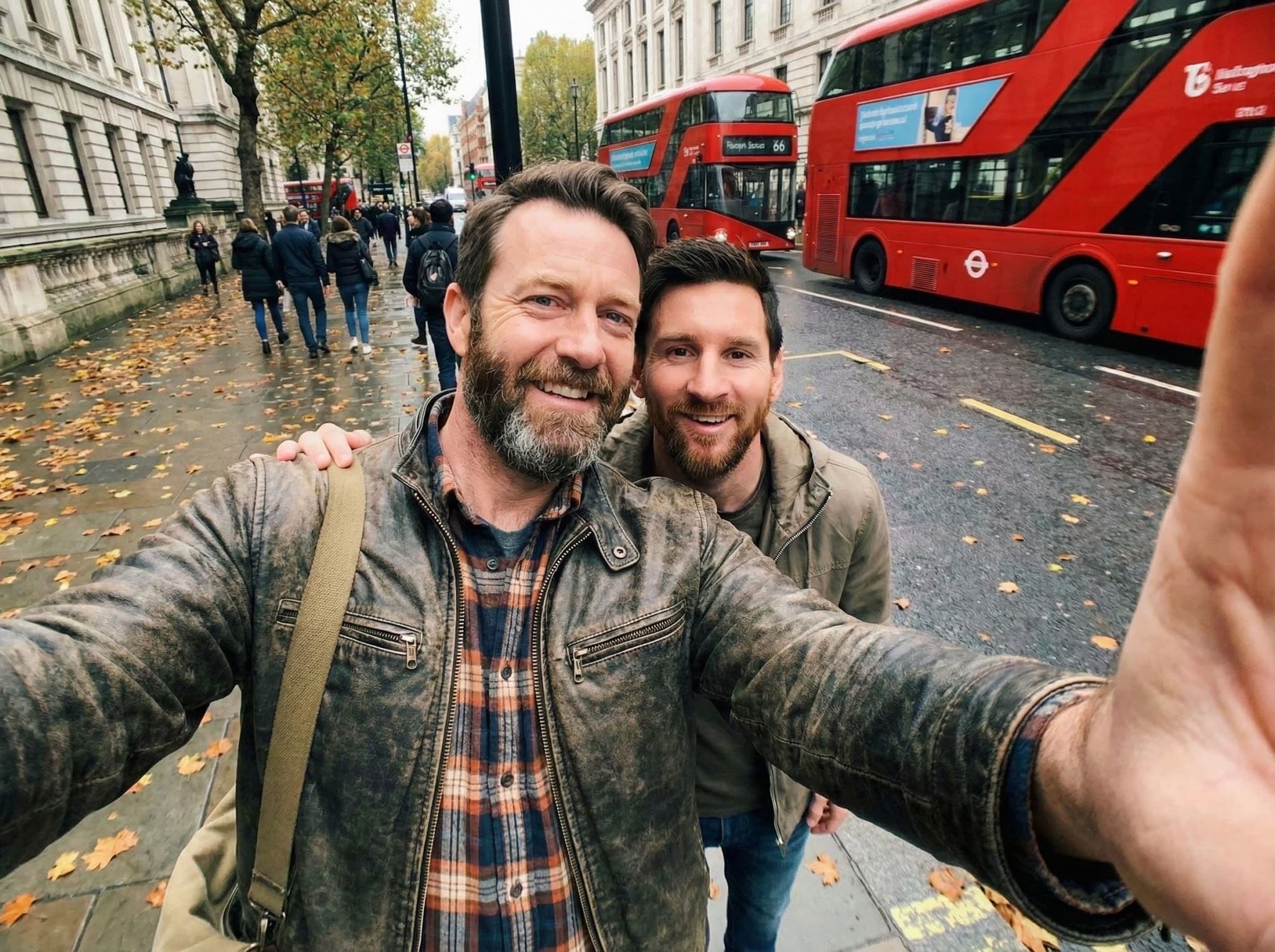
Create a photorealistic front-camera smartphone selfie with Lionel Messi.
The photo is taken by the person themselves, with one arm visible in the frame holding the phone, extending out of the image.
Wide-angle selfie perspective, natural distortion, casual real-life fan photo.
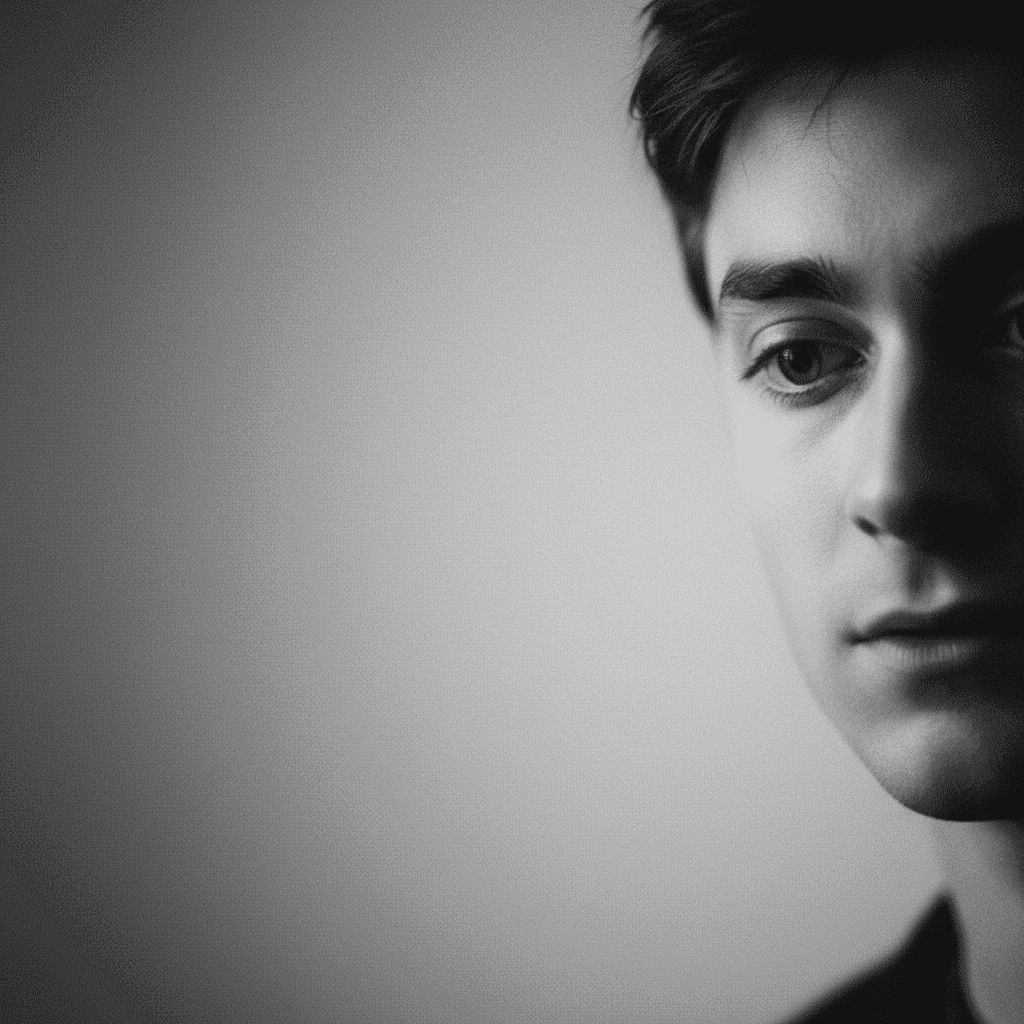
Hyper-realistic studio portrait, the person elegantly leans against the back of the chair, dressed in fashionable dark clothing. Shot at a subtle low angle to highlight his facial features and confident expression. Cinematic black and white color grading, with natural and delicate skin tone. Pure black background, 8K sharp details, emphasizing the texture of the clothing, hair, and eyes, creating a dramatic and lifelike effect.