🎁 免費試用 · 💧 無水印 · 💼 商業就緒

想像一下。 創建

AI 圖像和視頻集於一身。

0/5000

至少 5 個字元

參考圖片(可選)0/5
長寬比
AI Generated Image

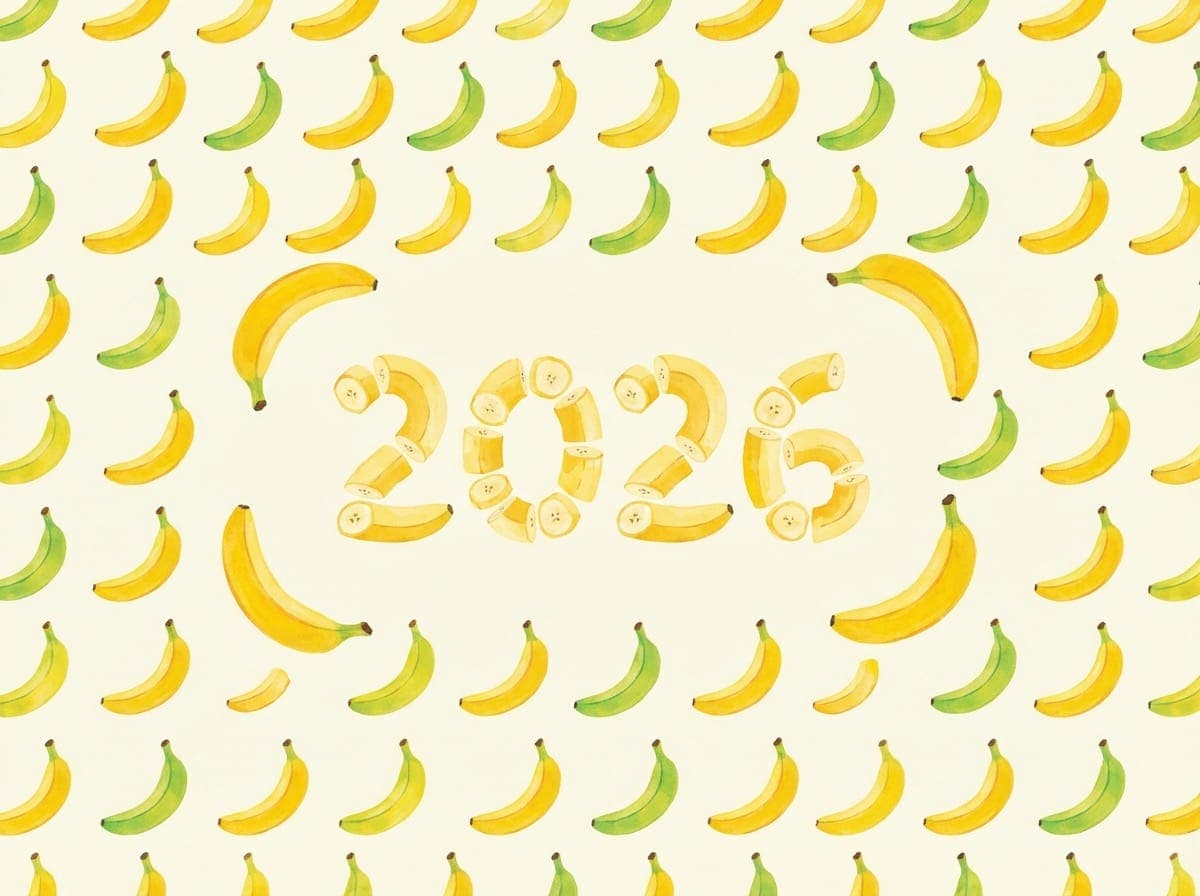
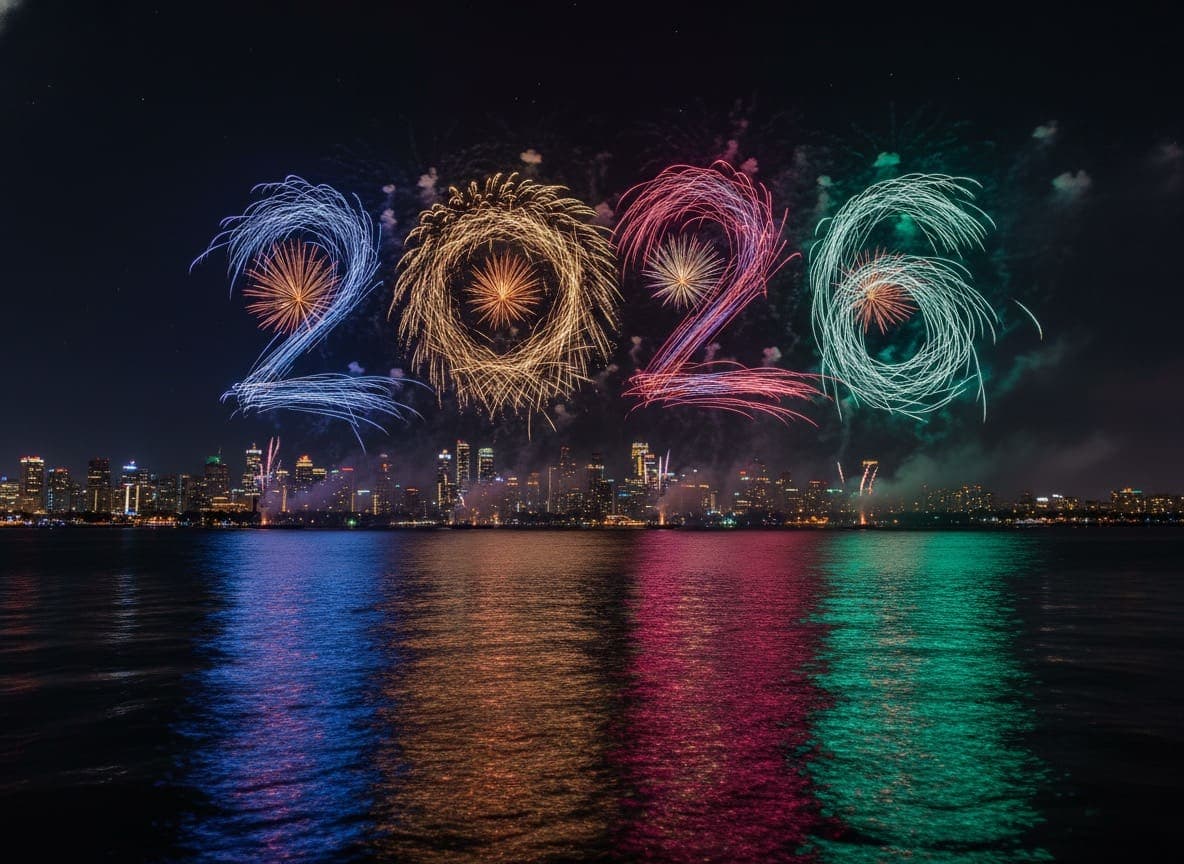
Fireworks form the shape of [SUBJECT] in the night sky above a waterfront city. The design is inspired by the colors, proportions, and silhouette of 2026, clearly readable and visually striking against the dark sky. Long-exposure, photorealistic fireworks photography with smoke trails, city skyline silhouette, and colorful reflections on the water. Cinematic composition, sharp detail, ultra-high-resolution 4K.

After
Before

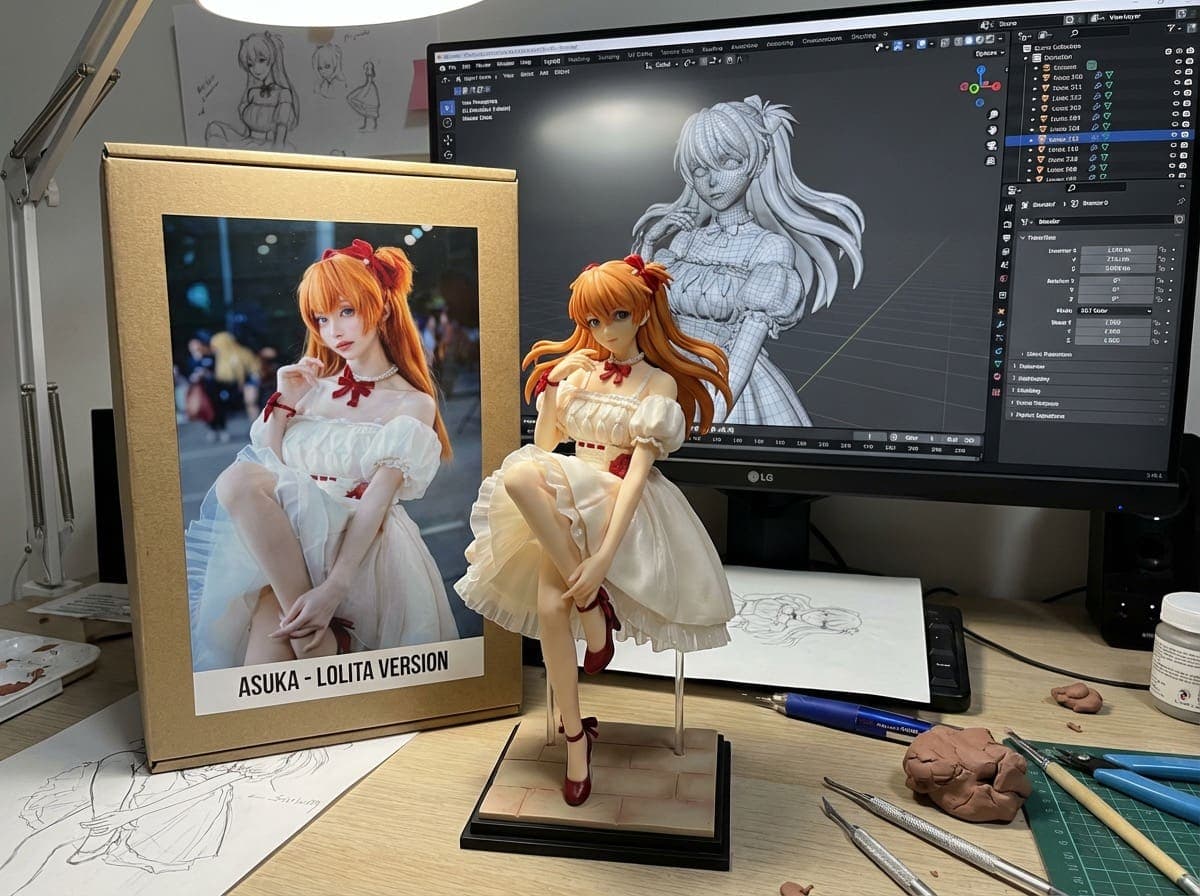
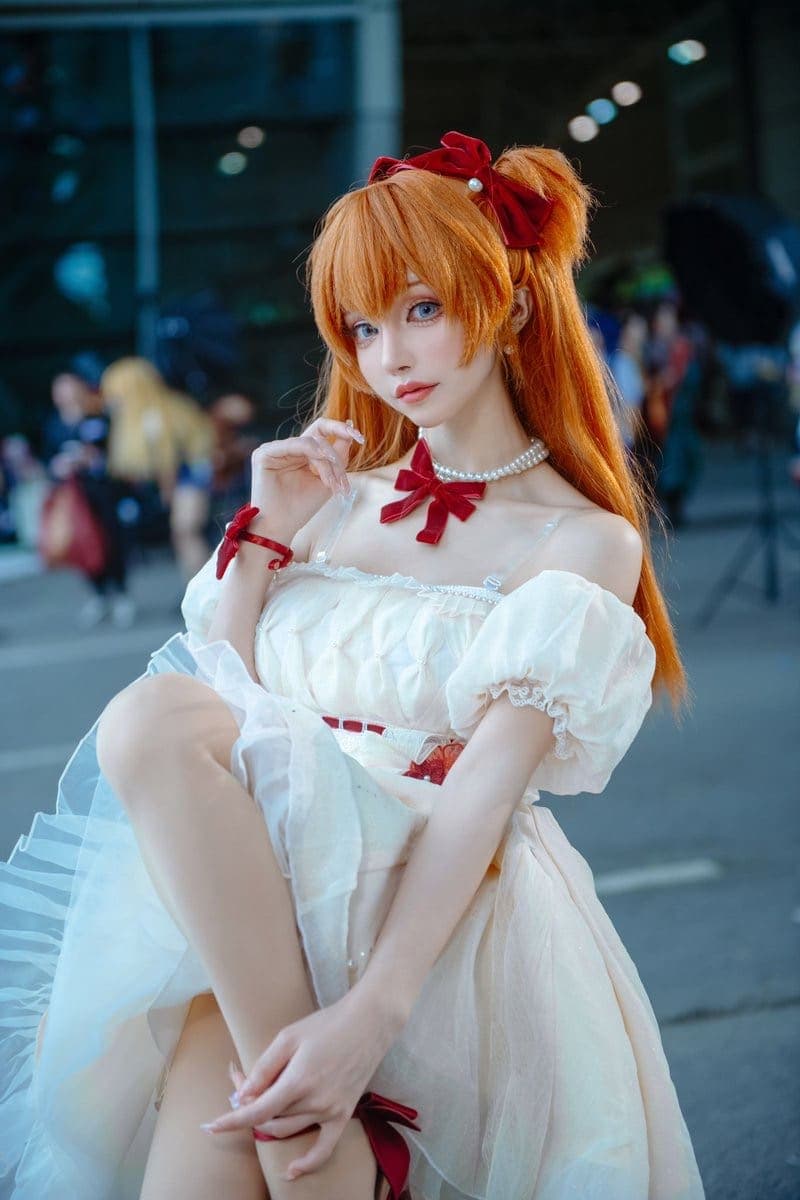
Turn this photo into a character figure. Behind it, place a box with the character’s image printed on it, and a computer showing the Blender modeling process on its screen. In front of the box

After
Before

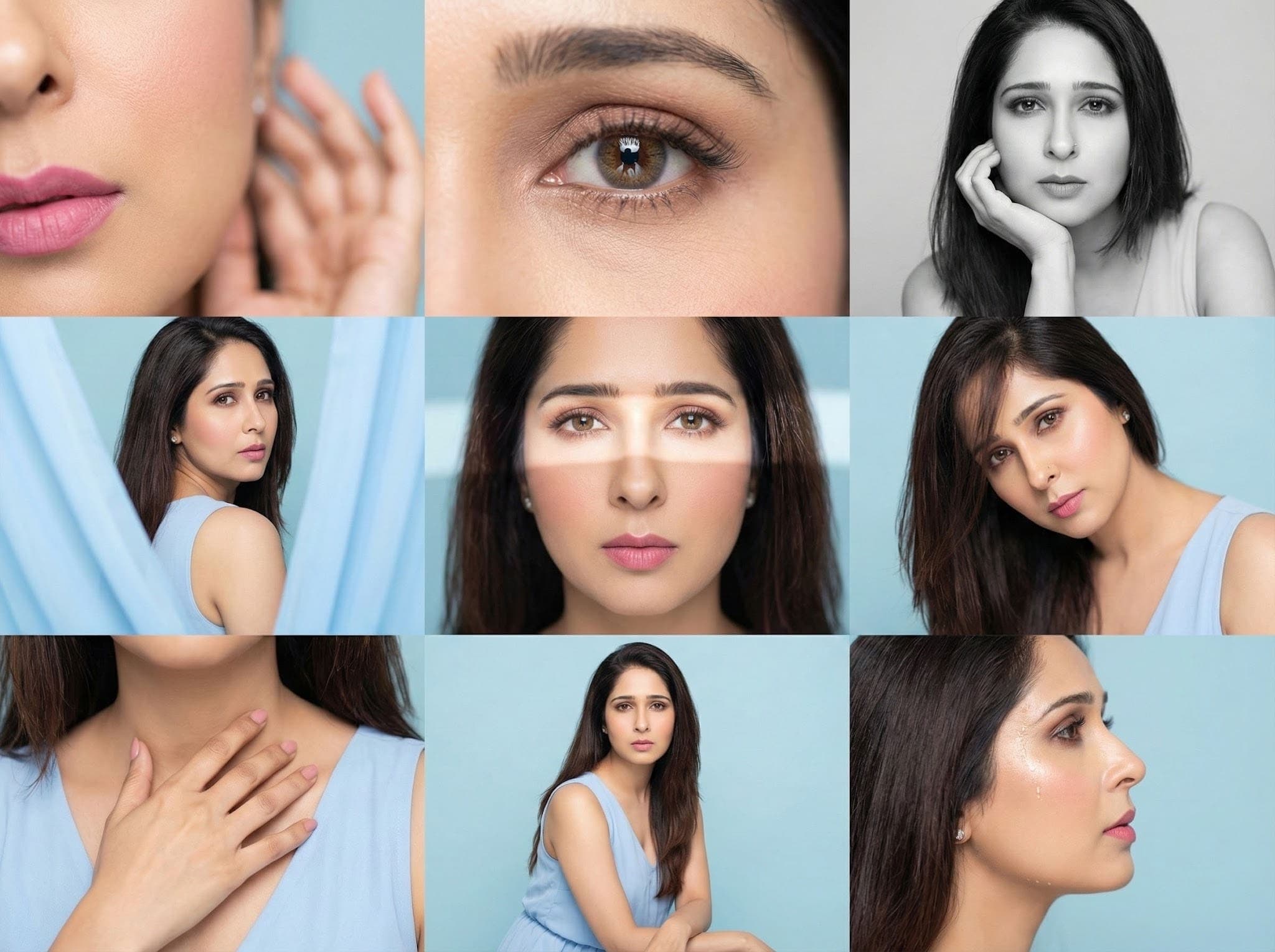
Editorial 3x3 grid in soft pastel-blue studio. Character (face characteristics 100% same as uploaded image) wearing a light blue sleeveless dress. Shots follow original set: cheek/lip macro with blurred hand, reflective eye crop, B&W chin-rest portrait, fabric-framed over-shoulder, frontal light-band close-up, angled hair-fall portrait, hand-to-collarbone crop, seated half-body, profile droplet highlight. RAW, airy tones, smooth editorial finish.

After
Before

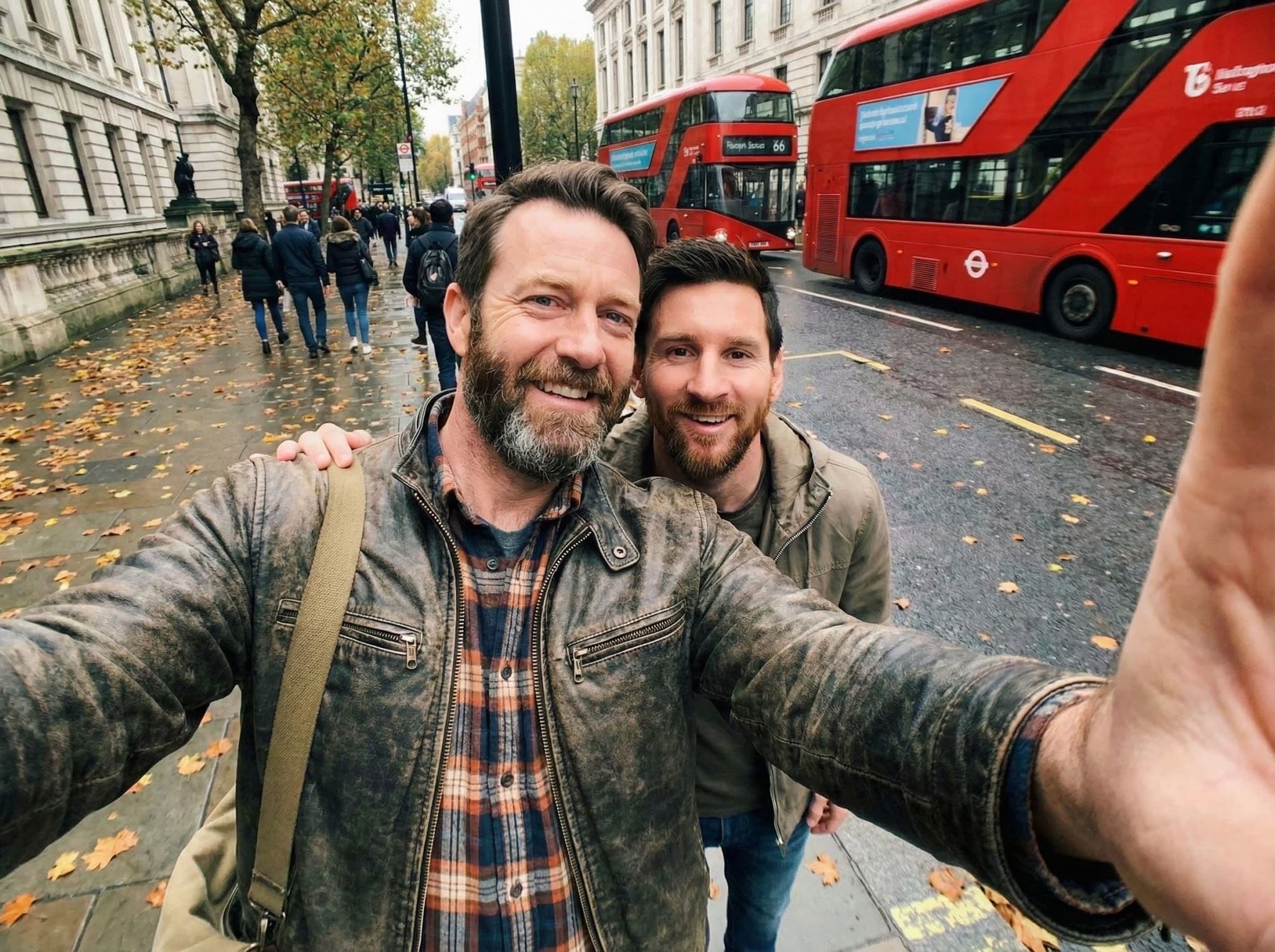
Use the uploaded photo as reference. Create a photorealistic front-camera smartphone selfie with Lionel Messi. The photo is taken by the person themselves, with one arm visible in the frame holding the phone, extending out of the image. Wide-angle selfie perspective, natural distortion, casual real-life fan photo.

專為真正的創意工作而建

在一個地方生成圖像、創作視頻、編輯和修復。足夠快速以應對靈感,乾淨得適合製作。

從提示生成圖片
描述場景、產品或角色,並在幾秒鐘內生成新圖片。非常適合腦力激盪、廣告、縮略圖和概念藝術。
參考圖片
添加可選的參考圖片來指引風格和細節。當您希望下一張圖片保持一致時非常有用。
乾淨的剪裁
移除背景並保留清晰的邊緣——特別是頭髮、毛發和細小物件周圍——然後匯出透明的 PNG。
照片修復
修復刮痕、減少噪點,並恢復舊照片或低品質照片的清晰度。讓面部看起來自然。
無水印
下載的圖片潔淨,隨時可以使用—您的圖片上不會有強制性的品牌標識。
快速工作流程
上傳或輸入提示,預覽後下載。您的信用餘額和工作歷史在儀表板上顯示。
清晰的背景移除 - After
清晰的背景移除 - Before
之前
之後

清晰的背景移除

上傳一張產品照片,得到一個透明背景上的清晰剪裁—無需手動遮罩。也能處理一些複雜的部分:頭髮、珠寶、眼鏡框、帶子以及那些通常需要很長時間才能修復的小縫隙。邊緣保持清潔(少有光暈),結果可以導出並在您的目錄中重複使用。
立即試用
快速修復照片 - After
快速修復照片 - Before
之前
之後

快速修復照片

將舊的或低品質的照片幾次點擊後復原。減少噪點,去除刮痕,修復模糊,並輕輕提升細節,同時保持面部自然。非常適合家庭檔案、掃描的照片和那些「差點不錯」的手機照片,您可以分享或重新印刷。
立即試用

見證AI圖像生成的魔力

Showcase image

A high-resolution black and white portrait artwork...

Showcase image

Create a highly detailed LEGO-style scene...

Showcase image

Create a minimalist 8-bit pixel logo...

Showcase image

A black and white line drawing coloring illustration...

Showcase image

A pencil sketch of [Subject 1] interacting with [Subject 2]...

Showcase image

In a casual, everyday style as if shot on a mobile phone...

使用者對Editly的評價

美麗且簡單的介面

這是一個你一打開就立刻想使用的工具。清晰的佈局,沒有雜亂,重要的東西正好在你預期的位置。

Shaelyn D.

快速的背景去除

背景去除器老實說是我最喜歡的部分。它快速,邊緣看起來乾淨,還讓我避免手動進行繁瑣的裁剪。

Kira H.

簡單明瞭的定價

圖片生成效果穩定,支持也確實會回覆。價格感覺公平——可以月訂閱或在需要時直接購買點數。

Mary J.

入門版

每月 2,400 點數,按年計費。

$7/每月-22%
  • 每月生成最多約 160 張圖片
  • 每月生成最多約 120 支影片
  • 訪問所有 AI 模型
  • 點數每月刷新
  • 優先排隊
  • 無水印
  • 商業使用
  • 8 個並行任務
最受歡迎

加強版

每月 5,000 點數,按年計費。

$15/每月-21%
  • 每月生成最多約 333 張圖片
  • 每月生成最多約 250 支影片
  • 訪問所有 AI 模型
  • 點數每月刷新
  • 優先排隊
  • 無水印
  • 商業使用
  • 8 個並行任務

專業版

每月 10,400 點數,按年計費。

$30/每月-23%
  • 每月生成最多約 693 張圖片
  • 每月生成最多約 520 支影片
  • 訪問所有 AI 模型
  • 點數每月刷新
  • 優先排隊
  • 無水印
  • 商業使用
  • 16 個並行任務

常見問題

快速創作圖像和視頻

在您的瀏覽器中使用 AI 生成圖像和視頻,移除背景,並恢復照片。提示或上傳,預覽,下載。無需安裝。